
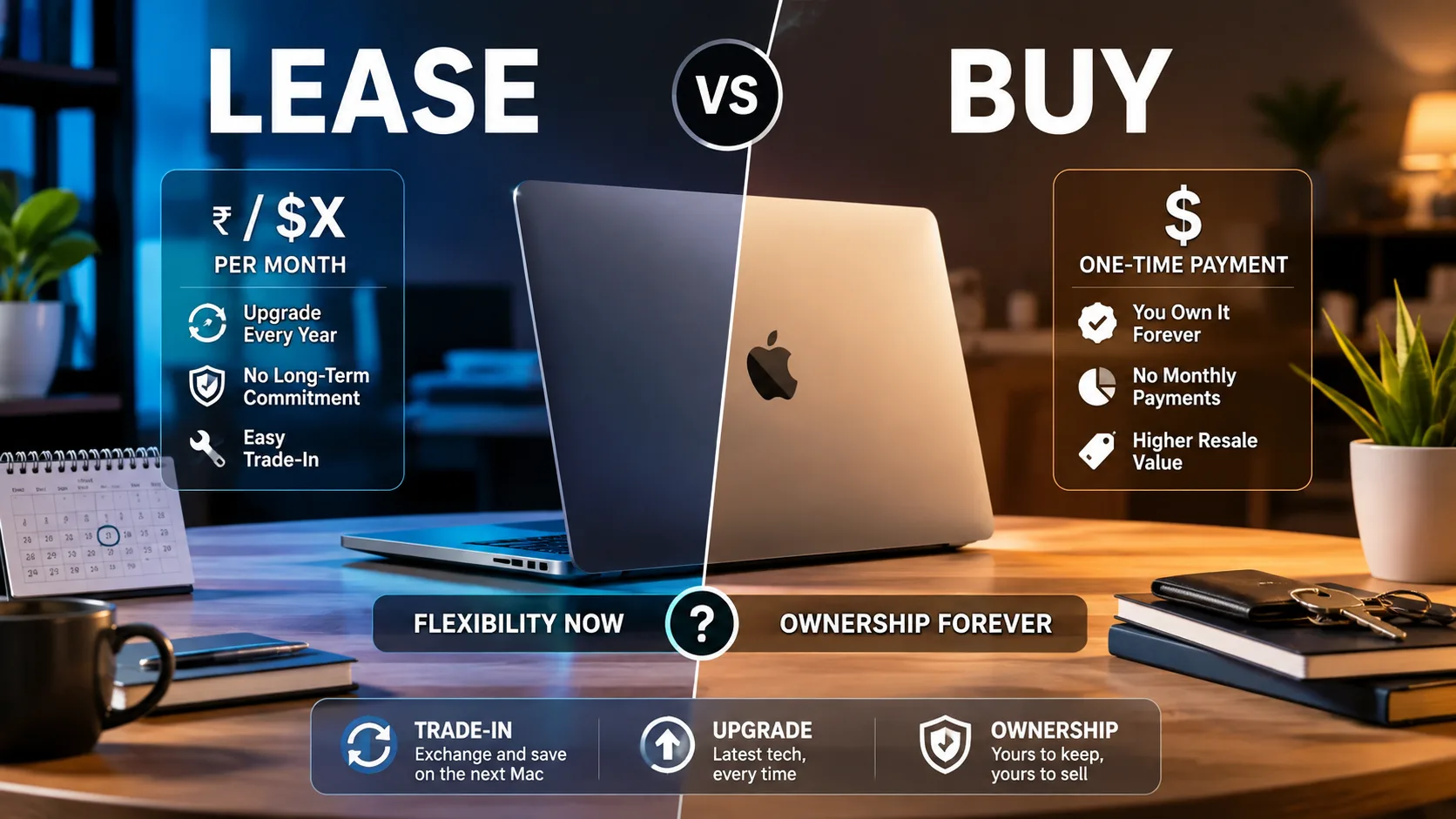
Apple just quietly disrupted laptop financing with a Klarna-backed “Apple Upgrade” leasing model, and buyers are scrambling to calculate the true cost.
Starting at just $24.99 per month, users can drive home a $1,999 MacBook Pro for 0 dollars upfront. So is this monthly hardware lease a genuine bargain or an expensive trap designed to lock you into permanent subscription payments?
Professionals are rethinking their hardware budgets as monthly rates drain account balances while offering friction-free upgrades.
What Apple Is Offering
Apple’s new Apple Upgrade program shifts Mac hardware from traditional loan financing to an explicit 24- or 36-month lease. Operated alongside Klarna, it allows developers, creators, and freelancers to rent hardware with predictable monthly outlays.
- Zero Interest Premium: Klarna charges no interest markup; lease payments equal total hardware value divided across terms.
- Flexible Term Endings: After completing monthly payments, return the laptop to upgrade, make a one-time purchase payoff, or exit.
- Soft Credit Check: Instant enrollment approval requires only a soft credit inquiry that won’t impact your credit score.
That number changes the whole equation—especially for creators who swap gear every two years.
Lease vs. Buy Cost Breakdown
To evaluate true value, let’s compare leasing a 14-inch MacBook Pro ($1,999 retail) against purchasing outright or using traditional installment options.
| Option | Upfront Outlay | Monthly Cost | Total Outlay (36 Mos) | End-of-Term Ownership |
|---|---|---|---|---|
| 36-Month Lease | $0.00 | $38.99/mo | $1,403.64 | Must return or pay ~$595 buy-out |
| 24-Month Lease | $0.00 | $53.99/mo | $1,295.76 (24 mos) | Must return or pay ~$703 buy-out |
| Outright Purchase | $1,999.00 | $0.00 | $1,999.00 | Full ownership (Keep or resell) |
But here’s the catch: lease totals do not grant automatic ownership at the end of the contract.
Who Benefits Most From Leasing?
The subscription model wasn’t created for every type of Mac user.
- Frequent Upgraders: Tech pros who want the newest M-series Apple Silicon chip every 2 to 3 years without handling secondary market trade-in hassle.
- Freelancers & Businesses: Operating costs can be written off as recurring monthly business expenses rather than amortizing depreciating assets.
- Budget-Conscious Starters: Users needing high-end workstations immediately who lack $2,000+ in liquid capital.
So who actually wins? Long-term users who hold MacBooks for 5+ years save significantly more by buying outright.
Trade-In and Upgrade Terms
Under Apple Upgrade, trading in an existing device at enrollment lowers your ongoing monthly payments. When your term finishes, upgrading is friction-free: hand back your current device in good working condition, receive a prepaid return kit, and receive your new laptop.
Hidden Costs & Fine Print to Watch Out For
What happens if you break the laptop or want out early?
While the program avoids interest charges, specific restrictions apply:
- AppleCare+ is Extra: Monthly lease rates do not include AppleCare+ protection; repairs on damaged returned units come out of pocket.
- Early Termination Penalties: Breaking a lease early requires paying off all remaining monthly payments before returning the device.
- Month-to-Month Rollover: If you take no action when the lease ends, payments continue month-to-month for up to 6 months before Klarna automatically charges the full remaining buyout fee.
Expert Take & Verdict
“Hardware leasing changes consumer behavior by turning a large lump-sum investment into a predictable operating fee,” explains a Consumer Tech Procurement Analyst. “It’s fantastic for professionals who demand constant performance upgrades, but casual users will pay a premium for perpetual hardware rental.”
Explained this in today’s YouTube video. If you lease a $2,999 Mac, you pay $58 a month for 36 months. At the end, you owe $911 to pay it off or return it.
— Vadim Yuryev (@VadimYuryev) August 2, 2026
However, Apple gives you 6 more months to decide. Meanwhile, you continue paying monthly payments of $53.
You now have 6… https://t.co/ZFm37Bnc5t pic.twitter.com/hH45E2rWvg
Official Resources & Coverage
Official Links & Details: • Apple Official Upgrade & Leasing Program • Klarna Hardware Lease Terms & Conditions • MacRumors Apple Upgrade Coverage & FAQ • PCMag Tech Leasing vs. Buying Breakdown
If you keep your MacBook for 2–3 years and demand top-tier performance, Apple Upgrade offers seamless flexibility; if you hold devices until they hit vintage status, buying outright remains king.