
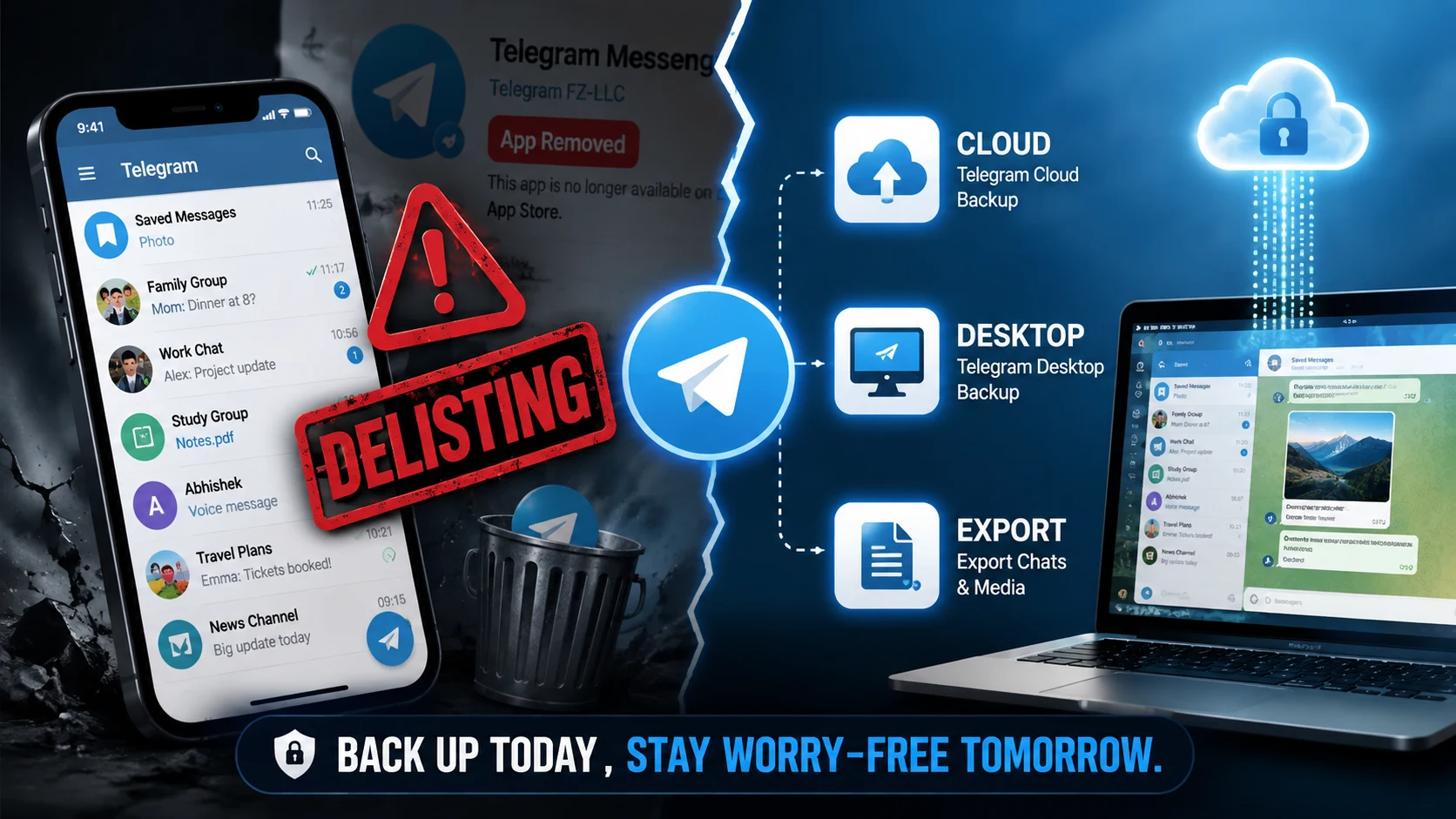
Telegram’s App Store future is raising fresh concerns, and users who rely on it for daily chats, photos, and files may not want to wait. Serving over 900 million active users globally, Telegram stores petabytes of unbacked personal media and documents.
What happens to your files if Telegram becomes harder to install or update on mobile devices? Millions are scrambling to secure local backups as potential store removals threaten mobile app accessibility.
What the Delisting Concern Means
App store delisting means new users cannot download the app, and existing users stop receiving critical security updates.
- Cloud Safety: Telegram stores your cloud chats on its servers, meaning messages aren’t instantly wiped if the app disappears from app stores.
- Mobile Friction: Without store updates, mobile apps eventually break due to operating system updates.
- Access Gaps: Direct APK downloads (on Android) or Telegram Web remain functional even when main store listings are paused.
The good news is you can protect most of your history in minutes.
What to Save First
Not all Telegram data requires a massive download. Focus on high-value conversations and files first.
- Important Chats: Export critical 1-on-1 conversations with family, clients, or work colleagues.
- Photos and Videos: Download media attachments before cache files expire locally.
- Saved Messages: Clear out your personal “Saved Messages” cloud folder into an offline folder.
- Pinned Resources: Download essential PDFs, zip files, and spreadsheets from group channels.
Waiting until access changes could make backup recovery much slower.
Best Backup Options
| Backup Method | Best For | How to Use It |
|---|---|---|
| Telegram Desktop Export | Complete chat archives & media | Go to Settings > Advanced > Export Telegram Data |
| Single Chat Export | Specific work or personal logs | Open chat > Click 3 Dots (⋮) > Export chat history |
| Cloud Storage Forwarding | High-priority photos & documents | Save media directly to Google Drive, iCloud, or local disk |
| Saved Messages | Quick daily text clips & links | Forward messages to your personal Saved Messages space |
Desktop Workarounds
Even if mobile storefronts restrict downloads, Telegram offers robust cross-platform desktop workarounds.
- Telegram Desktop (Standalone): Download the installer directly from Telegram’s official website rather than relying on app stores.
- Telegram Web: Access your account from any modern browser at web.telegram.org without installing software.
- Direct Android APK: Android users can side-load the official APK directly from Telegram to bypass Google Play Store restrictions entirely.
Security Steps You Should Not Skip
A backup plan is only as safe as your account security. Ensure your account stays protected:
- Enable Two-Step Verification: Add a password layer under Settings > Privacy and Security.
- Check Active Sessions: Terminate old or unrecognized web and mobile sessions.
- Encrypt Local Exports: Store exported HTML and JSON chat archives inside an encrypted folder.
- Keep Contact Info Updated: Confirm your linked phone number and recovery email are current.
Expert Quote & Final Checklist
“Users should assume mobile app availability can change at any time due to regulatory disputes, which makes local desktop backups and independent cloud copies essential.” — Cybersecurity & Data Privacy Analyst
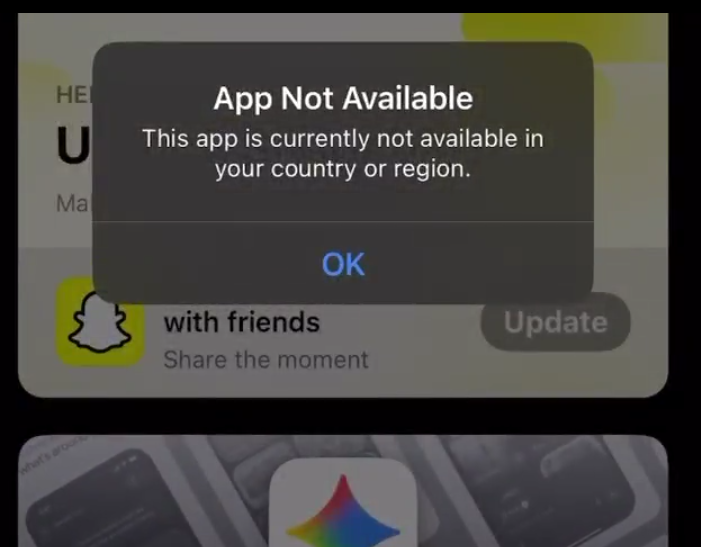
⚠️ ALERT: Telegram has been removed from the iOS App Store worldwide.
— Coin Bureau (@coinbureau) August 4, 2026
Apple has not provided a reason for the removal, and neither Apple nor Telegram has issued an official statement at the time of writing.
Existing installations appear to remain functional. pic.twitter.com/n8GaZNcdS6
Official Resources & Coverage
Official Links & Guides: • Telegram Official FAQ & Export Instructions • Electronic Frontier Foundation Privacy Guide • TechCrunch App Store Coverage • CISA Data Protection Best Practices
Final Checklist: • Download and install Telegram Desktop on a Mac or PC. • Run Export Telegram Data for full HTML archive backup. • Save sensitive photos directly to local storage or personal cloud apps. • Verify Two-Factor Authentication (2FA) is turned on.