
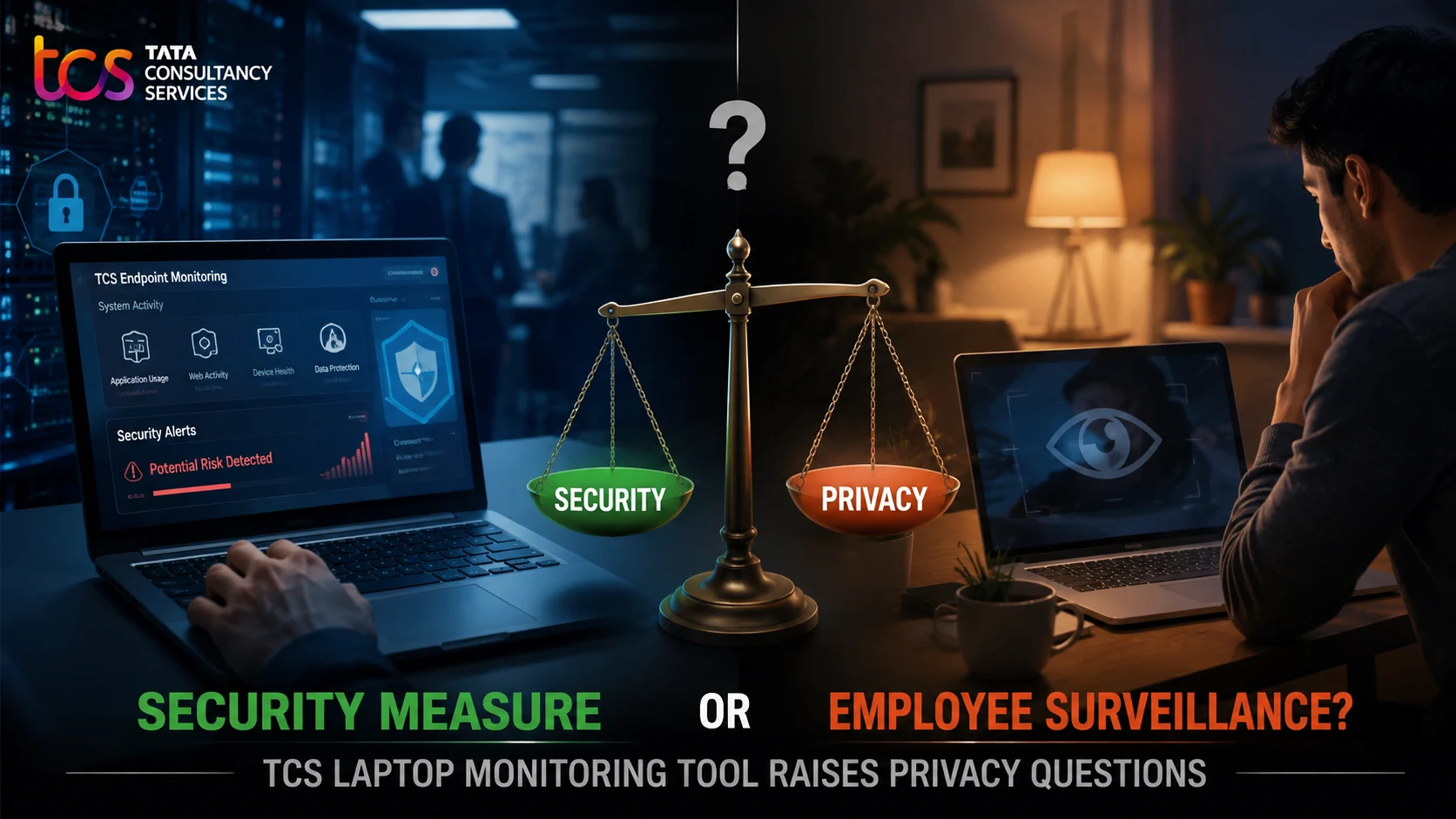
A new TCS laptop monitoring tool has unsettled employees and reignited a difficult question: when does workplace security become digital surveillance?
Reports indicate that the tool can provide visibility into applications accessed and the amount of time employees spend using them. Tata Consultancy Services (TCS) is one of India’s largest IT services companies, with a workforce approaching six lakh people, making the scale of any monitoring system significant.
What exactly is being tracked, who can see it, and how urgently should employees receive clear answers?
The software is reportedly described as a Digital User Experience Monitoring tool, a category commonly used by IT teams to identify technical problems, improve device performance, and protect corporate systems. But employees may view the same data differently if application usage is linked to productivity scores, attendance, performance reviews, or disciplinary action.
What Is the TCS Laptop Monitoring Tool?
What Does “Digital User Experience Monitoring” Mean?
A Digital User Experience Monitoring tool generally collects technical information about how a device, application, or network performs. In a corporate environment, this helps IT departments determine whether an application is lagging, a laptop is malfunctioning, or a network connection is disrupting workflow.
However, the same systems can also reveal which applications are open and how long they are being used. That creates concern when technical telemetry begins to resemble an individual activity log.
What Has Been Publicly Reported?
| Detail | Reported Information |
|---|---|
| Company involved | Tata Consultancy Services (TCS) |
| Reported tool | Digital User Experience Monitoring tool |
| Devices involved | Company-issued employee laptops |
| Reported visibility | Applications accessed and time spent on them |
| Main concern | Balancing cybersecurity needs with employee privacy |
| Key uncertainty | The full scope, vendor, data retention period, and access rules |
Why Are Employees Worried?
The Difference Between Visibility and Surveillance
Employees generally accept monitoring that patches security flaws or troubleshoots IT failures. However, comfort levels drop when software measures individual behavior without clear communication regarding:
- What exact data points are collected.
- Whether monitoring operates outside standard working hours.
- Who within the organization has access to individual metrics.
- Whether the data influences performance evaluations.
The Trust Deficit in Hybrid Work
Remote and hybrid models have blurred the boundaries between professional duties and personal space. When oversight feels opaque or excessive, workers feel watched rather than supported. Experts emphasize transparency, necessity, and proportionality as vital safeguards for digital monitoring programs.
What Can Employee Monitoring Software Track?
Capabilities vary widely depending on software configuration and corporate policies.
| Data Category | What It May Include | Main Privacy Concern |
|---|---|---|
| Application activity | Applications opened and usage duration | Often misinterpreted as direct productivity metrics |
| Device health | Battery status, system crashes, memory load | Generally low privacy risk |
| Network telemetry | Connection quality, IP addresses, routing events | May reveal location patterns |
| Login activity | Active session hours, idle durations | Can generate simplistic attendance assumptions |
| File events | Transfers, external USB usage, modifications | Essential for data-loss prevention (DLP) |
Current reports regarding the TCS rollout emphasize application tracking and duration metrics, but they do not establish that the system captures keystrokes, personal messages, or webcam feeds. Separating verified reporting from speculation is essential to understanding the issue.
Why Might a Company Deploy This Software?
Legitimate Business Purposes
- Detecting application crashes and software bugs.
- Improving enterprise help-desk response times.
- Protecting sensitive client data against insider threats.
- Monitoring device health across large, distributed corporate networks.
When Purpose Becomes Questionable
Controversy arises when telemetry designed for IT troubleshooting is repurposed to rank employees by active application time, penalize brief pauses, or evaluate complex technical work purely through automated metrics.
Security Versus Privacy: Finding the Balance
A sustainable framework for workplace monitoring relies on five core principles:
- Purpose Limitation: State clearly why data is collected.
- Data Minimization: Gather only what is strictly necessary.
- Transparency: Provide open, plain-language notices to staff.
- Proportionality: Match monitoring intensity to actual security risks.
- Accountability: Establish strict access controls, audits, and human review channels.
What Should Employees Ask?
- Is the monitoring tool installed across all company-issued laptops?
- What exact categories of data does the software log?
- Is individual-level reporting visible to line managers?
- How long is the telemetry data retained before deletion?
- What recourse exists if automated metrics flag an inaccurate conclusion?
#TechWithMC | TCS laptop monitoring tool raises questions over security, employee surveillance -TCS deploys digital user experience monitoring tool. -Tool raises concerns about employee activity monitoring. -TCS has not formally communicated the move to staff. While IT and BPM…
— Moneycontrol (@moneycontrolcom) August 20, 2026
FAQs
What is the TCS laptop monitoring tool? It is a Digital User Experience Monitoring software reportedly deployed on company-issued laptops to track system performance and application usage.
Why did the rollout spark concern? The deployment generated discussion among employees due to questions over data visibility, potential productivity tracking, and a lack of formal upfront communication.
Does the tool track keystrokes or personal files? Current public reports highlight application access and time spent; there is no official confirmation that it captures personal files, keystrokes, or screen contents.