
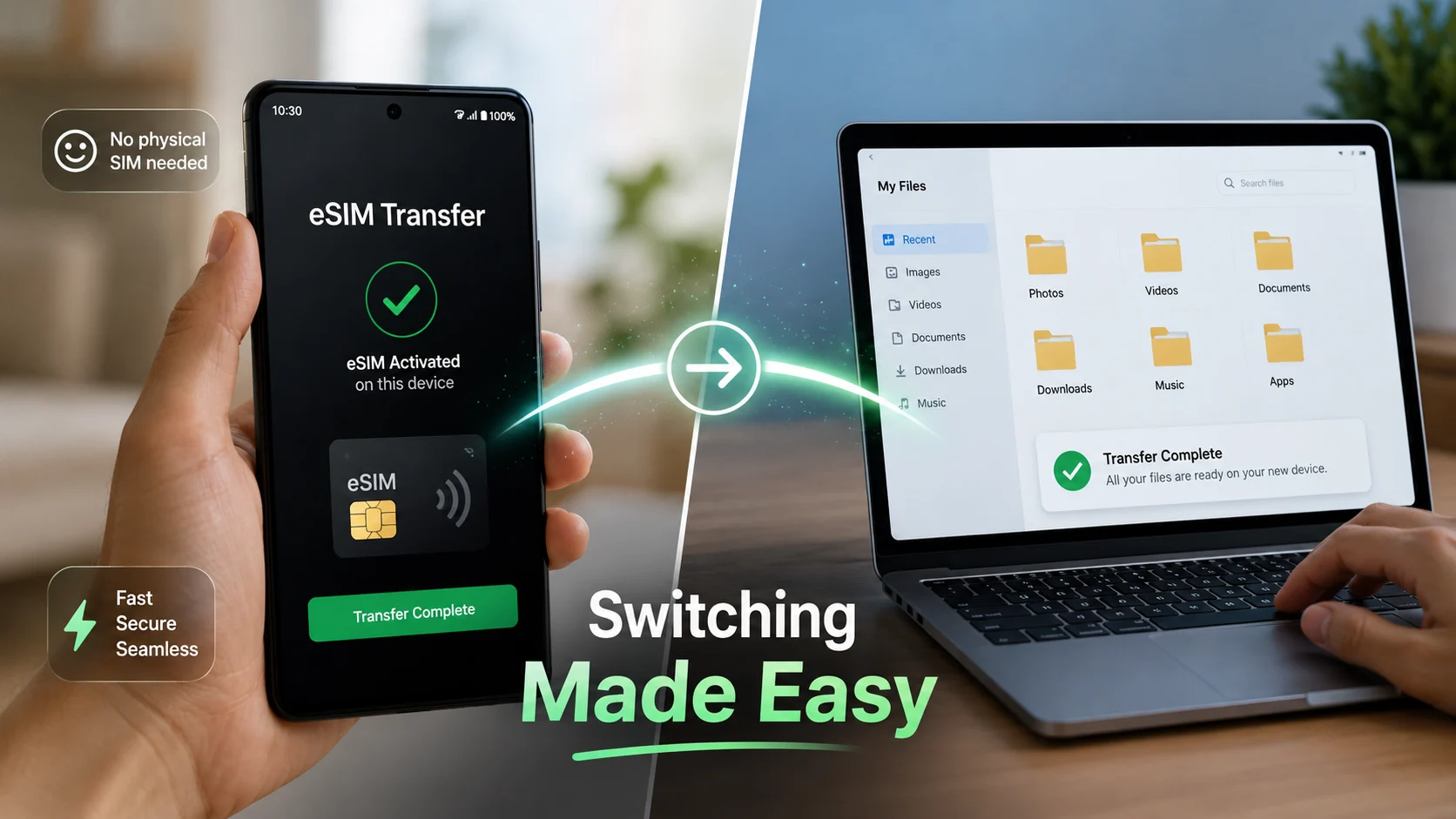
Android users just got a quieter kind of upgrade: Google’s August 2026 update improves eSIM transfer and adds phone file access from a laptop. After years of awkward setup steps, is switching phones finally becoming painless?
With late-2026 hardware rolling out, this may be the update that makes device migration feel normal instead of stressful. Act now — check your system updates, audit your carrier’s transfer capabilities, and prepare for a much smoother device upgrade cycle.
Why Switching Phones Still Feels Hard
- Focus Keyword Integration: This analysis examines how the latest Android eSIM transfer enhancements eliminate historical switching friction.
- Core Takeaway: Upgrading mobile devices has traditionally required dealing with incompatible carrier tools and tedious setup chores.
- Immediate Action: Review your current device’s operating system version to ensure eligibility for streamlined cross-device features.
Moving to a new smartphone used to mean dealing with QR codes, carrier phone calls, missed verification texts, and endless setup friction.
Even though core tools have evolved, the transition process often relied on a messy mix of device compatibility and network rules. Should changing phones really still feel like moving house?
What Android’s August Update Changes
Google Play services v26.34 quietly addresses these pain points by improving cross-device eSIM transfer and introducing seamless phone file access from a laptop. Rather than relying on flashy redesigns, this release focuses on modular utility that treats your phone more like an interconnected ecosystem tool.
| Update Area | What It Improves | Why It Matters |
|---|---|---|
| eSIM Transfer Between Devices | Easier phone switching | Reduces setup friction and carrier headaches |
| Laptop File Access | Easier cross-device access | Makes the phone feel integrated with daily workflows |
| Device Connectivity | Seamless Android ecosystem behavior | Supports the “set up once, use everywhere” utility model |
Would you prefer a phone that requires hours of manual reconfiguration, or one that bridges your devices automatically?
How eSIM Transfer Works on Android
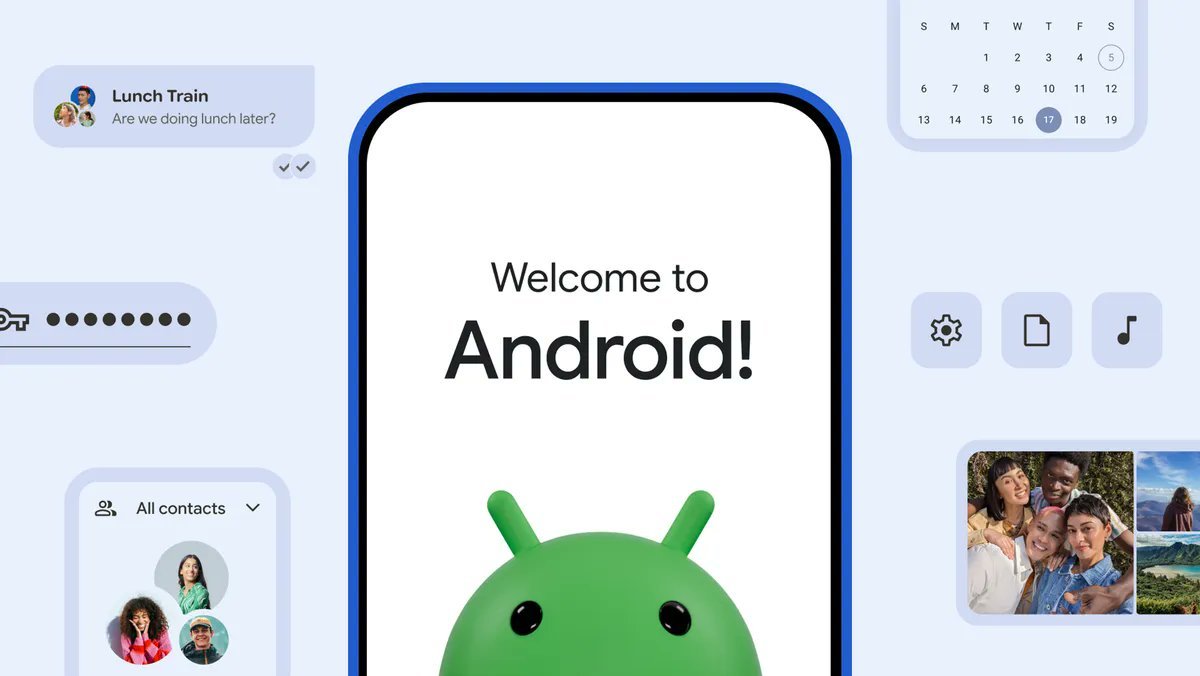
Android’s migration flow allows users to move a SIM or eSIM either during initial onboarding or later directly from system settings, depending on individual carrier support. Automatic transfer requires Android 12 or later, an active screen lock on both devices, and the current version of Google Play services.
- During Setup: Follow the on-screen prompts when pairing your old and new devices together.
- Via Settings: Navigate to Settings > Network & internet > SIMs > Add SIM to initiate a transfer manually.
- Security Checks: Both phones must maintain active screen locks to authorize secure carrier credential handoffs.
Why Laptop File Access Matters Too
Managing local documents shouldn’t require third-party cloud workarounds every time you change hardware. By tightening laptop file integration alongside Android eSIM transfer, Google is eliminating the secondary frustrations that hit right after activation.
- Instant Directory Viewing: Access photos, downloads, and internal storage folders directly from your PC or Mac workflow.
- Reduced Cable Clutter: Streamline data management without fumbling for specialized drivers or transfer utilities.
- Better Continuity: Keep active projects accessible across your entire personal technology suite.
What This Means for Late-2026 Devices
These improvements align with a broader industry shift toward late-2026 Android hardware that functions natively alongside laptops and tablets.
Google’s release notes point to expanded device connectivity layers, indicating that the ecosystem is being stitched together piece by piece. Upgrading to a new phone is finally starting to feel closer to logging into a new laptop than rebuilding a digital life from scratch.
Also Read: Android Pulse App Explained: Why It Suddenly Appeared on Google Play
What Can Still Go Wrong
While software updates simplify the user interface, carrier support policies still dictate whether an automated transfer completes instantly. If an automatic transfer fails due to network restrictions, users may need to contact their carrier provider or request a fresh activation profile via manual settings. Always verify your carrier’s current eSIM provisioning rules before wiping your old device.
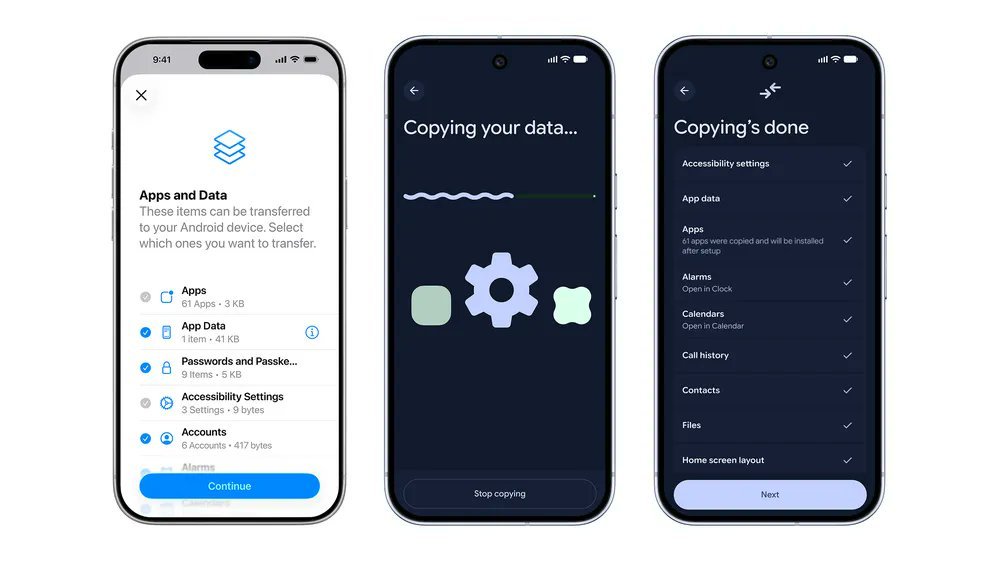
Switching between platforms should be easy and seamless, which is why Android 17 has a ground-up new transfer system that transfers even more of your stuff, wirelessly and without the need for a separate app. It works with Photos, contacts, sure, but also passwords, Wi-Fi… pic.twitter.com/h6VmoKWntU
— Dieter Bohn (@backlon) August 31, 2026
Sources
- [1] Google System Updates – August 2026 Release Notes – Google Play Services Updates
- [2] Google Android Help – Transfer a SIM or eSIM to Your New Android Phone – Android SIM Transfer Guide
- [3] 9to5Google – Google Play Services v26.34 Rollout and Features – 9to5Google Coverage