
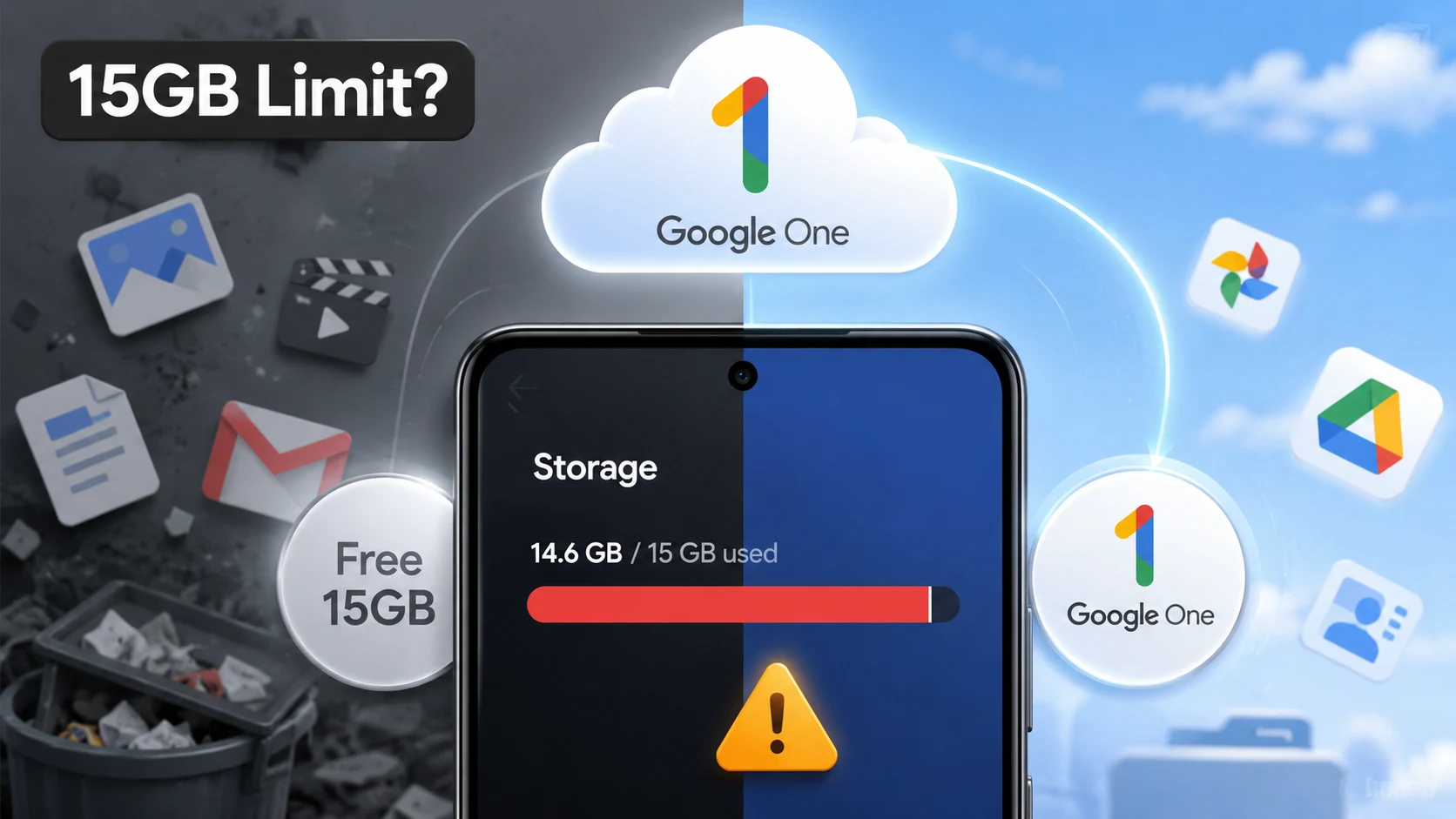
Android users nearing Google’s free 15GB limit face a quiet but costly shift that could force paid storage upgrades sooner than expected. Under Google’s updated cloud policies, all Android device backups—including SMS text messages, complete call history, device settings, and app data—now count against your free account quota.
Can casual Android users survive on the free 15GB tier, or will routine backups trigger a mandatory subscription squeeze? With email, photo syncing, and phone backups all competing for space, Google’s default allowance is feeling tighter than ever.
What Changed in Android Storage Behavior?
Previously, Google was quite generous with what it excluded from your cloud storage quota. Only media files like photos, videos, and MMS attachments counted against the free 15GB limit.
Now, every single system metric backed up to your Google Account claims space in that same shared cloud pool:
- SMS & MMS text history: Plain texts and media threads now occupy active account quota.
- Call logs & device settings: System preferences, Wi-Fi passwords, and call logs count toward your limit.
- App data & WhatsApp backups: App save states alongside WhatsApp chat histories draw from the same 15GB bucket.
Google expects this change to add about 40MB per device on average. That’s where it gets weird: for users already hovering near 14.5GB, even 40MB can trigger an account lockdown that freezes Gmail delivery and pauses photo backups.
Why Android Users Should Care Now
When an account crosses the 15GB mark, Google stops sending incoming emails, blocks Drive file uploads, and halts automatic camera backups.
| User Type | Risk Level | What It Means |
|---|---|---|
| Free-Tier Users | High | System data and SMS logs will push near-full accounts over the cap. |
| Multi-Device Users | High | Having multiple phones linked to one account multiplies backup storage usage. |
| Google Photos Users | Medium | Media syncing competes directly with phone settings and app data. |
| Paid Google One Users | Low | Higher storage tiers absorb routine backup growth without disruption. |
Is This a Nudge Toward Google One?
While Google frames this update as a way to streamline device backups, the timing aligns with a broader push toward cloud monetization.
“When storage accounting changes, users usually notice it first at the edge of the free tier. That is where confusion turns into subscription pressure.” — Cloud Infrastructure Analyst
Is Google updating how storage is counted, or is the real goal to make paid plans feel inevitable? As routine smartphone use demands constant cloud syncs, maintaining a 15GB ceiling without paying monthly fees requires active management.
How to Avoid a Storage Surprise
You do not need to upgrade to Google One immediately if you manage your backup dials manually:
- Check Your Storage Split: Open the Google One app or visit
one.google.com/storageto see how much space Device Backup is taking. - Use Granular Backup Toggles: Go to Android Settings > Backup and turn off cloud backups for non-essential data like call logs or specific heavy apps.
- Delete Stale Phone Backups: Scroll down in your storage manager and clear out cloud backups from old Android phones you no longer use.
- Clean Gmail & Drive Trash: Delete large attachments and empty your spam folders, as deleted items still hold quota for 30 days.
- Set WhatsApp Chat Limits: Manage media auto-downloads inside WhatsApp to prevent group chat videos from overloading your cloud space.
The Verdict
For Android users near the 15GB threshold, this update is less about the cloud and more about control over what stays free. Taking a few minutes to audit your backup settings today can keep your Gmail active without adding another monthly bill.
Detailed policy updates can be checked on Google One Help, while coverage of the backup change rollout is available on The Times of India.