
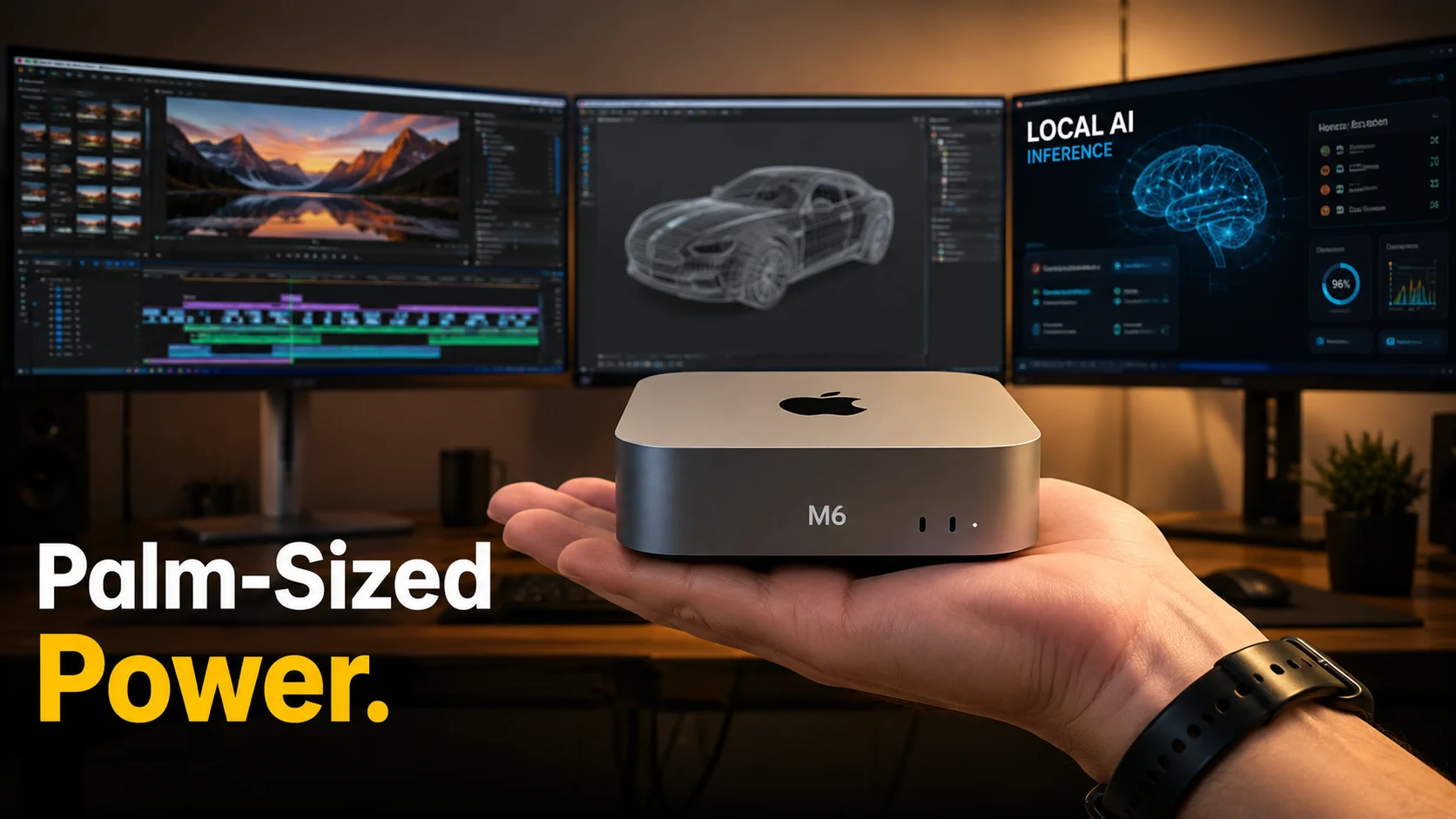
Apple just shrank the modern workstation and it’s electrifying creative workflows. The M6 Mac mini now delivers up to 2.5x faster on-device AI inference for common models, drives three 6K displays simultaneously, and can consume 40–60% less power than comparable mid-tier PC towers according to Apple’s official technical specs.
What happens when a palm-sized computer matches or outpaces desktop giants? Professionals must urgently rethink their desks, workflows, and procurement plans to avoid being left behind by the tiny desktop revolution.
Quick Takeaway
- Thesis: The Apple M6 Mac mini form factor proves that raw power no longer requires massive hardware footprints or noisy, power-hungry desktop towers.
- Who Benefits: Video editors, 3D artists, developers, and data scientists running local AI models.
- Immediate Action: Audit your current studio setup and evaluate whether compact, on-device silicon can replace your aging desk towers.
Why Form Factor Matters Now
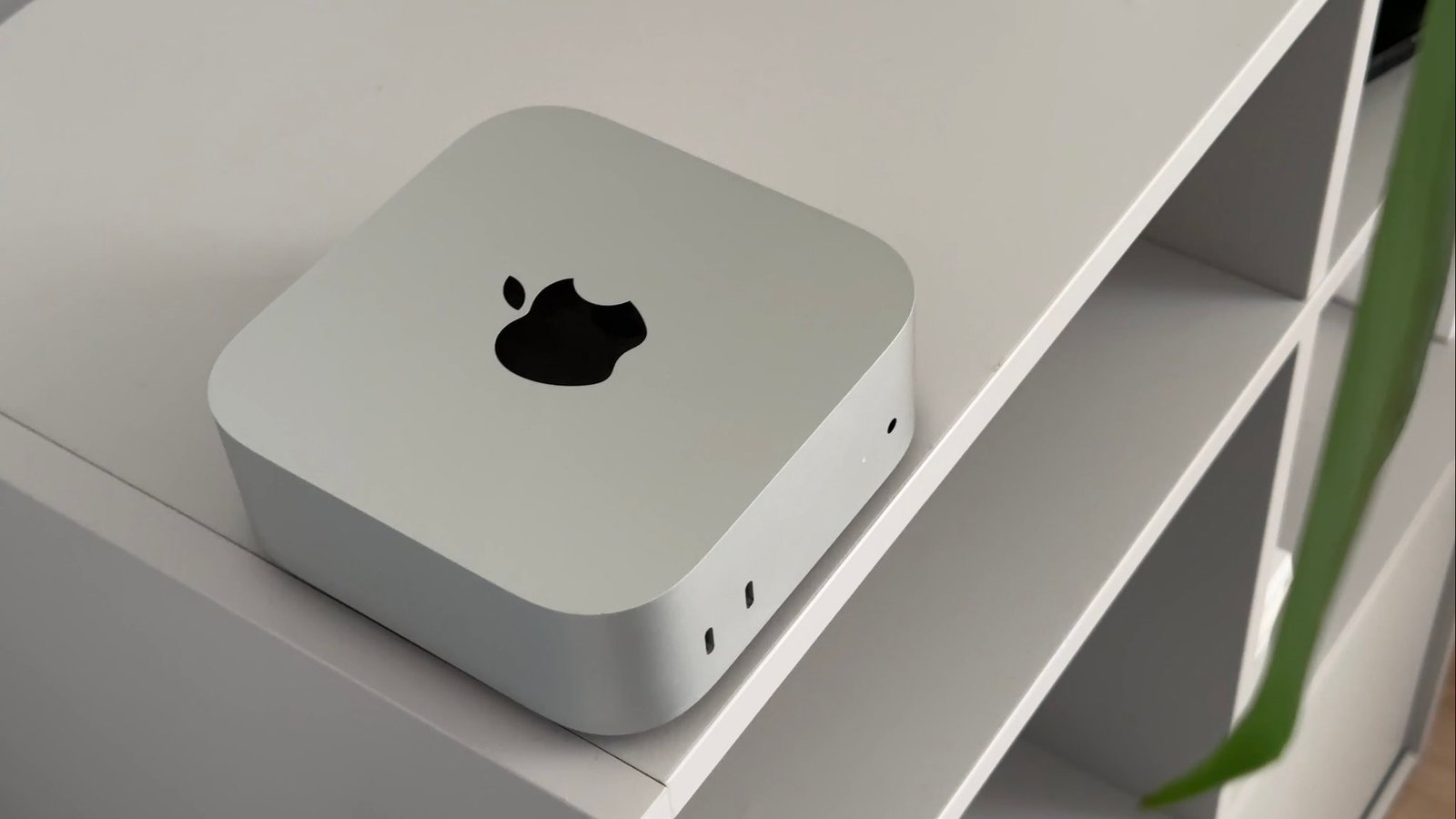
Miniaturization meets capability in a way that fundamentally alters how creative studios operate. Traditional professional workstations demanded large enclosures to handle heat, expansion cards, and power supplies. Today, advanced unified memory architectures and incredible power efficiency eliminate those bulky requirements.
Furthermore, relying on local AI processing reduces network latency, protects user privacy, and eliminates unpredictable cloud bandwidth costs. Modern professionals face strict real-world constraints like limited desk real estate, studio noise reduction, and mobile hybrid setups.
Space-saving efficiency combined with desktop-class processing power changes the baseline of what a professional machine should look like.
Technical Proof: What M6 Brings to a Palm-Sized Device
Architecture, Thermals, and Multi-Display Power
The M6 architecture integrates CPU, GPU, and neural engine cores onto a single die, maximizing bandwidth while generating minimal heat. According to hardware breakdowns from The Verge, thermal design innovations allow the tiny chassis to maintain sustained high performance without loud cooling fans.
Additionally, expanded Thunderbolt/USB-C controller throughput lets users drive multiple high-resolution monitors effortlessly. Independent testing on AnandTech highlights how unified memory speeds feed local machine learning workloads directly without memory-bottlenecking.
| Metric | M6 Mac mini | Typical Mid-Tier PC Tower |
|---|---|---|
| Footprint | Palm-sized (approx. 5 x 5 inches) | Large floor or desk tower |
| Power Draw (Idle/Load) | 5W to 50W | 50W to 350W+ |
| Displays Supported | Up to 3 high-resolution displays (6K) | Typically 2 to 4 via discrete GPU |
| Local AI Throughput | Optimized NPU inference engines | Discrete GPU depending on card model |
| Noise Levels | Near-silent under heavy loads | Variable fan noise under load |
| Upgradability | Fixed unified architecture | Modular components (GPU, RAM) |
Real Workflows That Change
Could your entire editing suite fit in your bag?
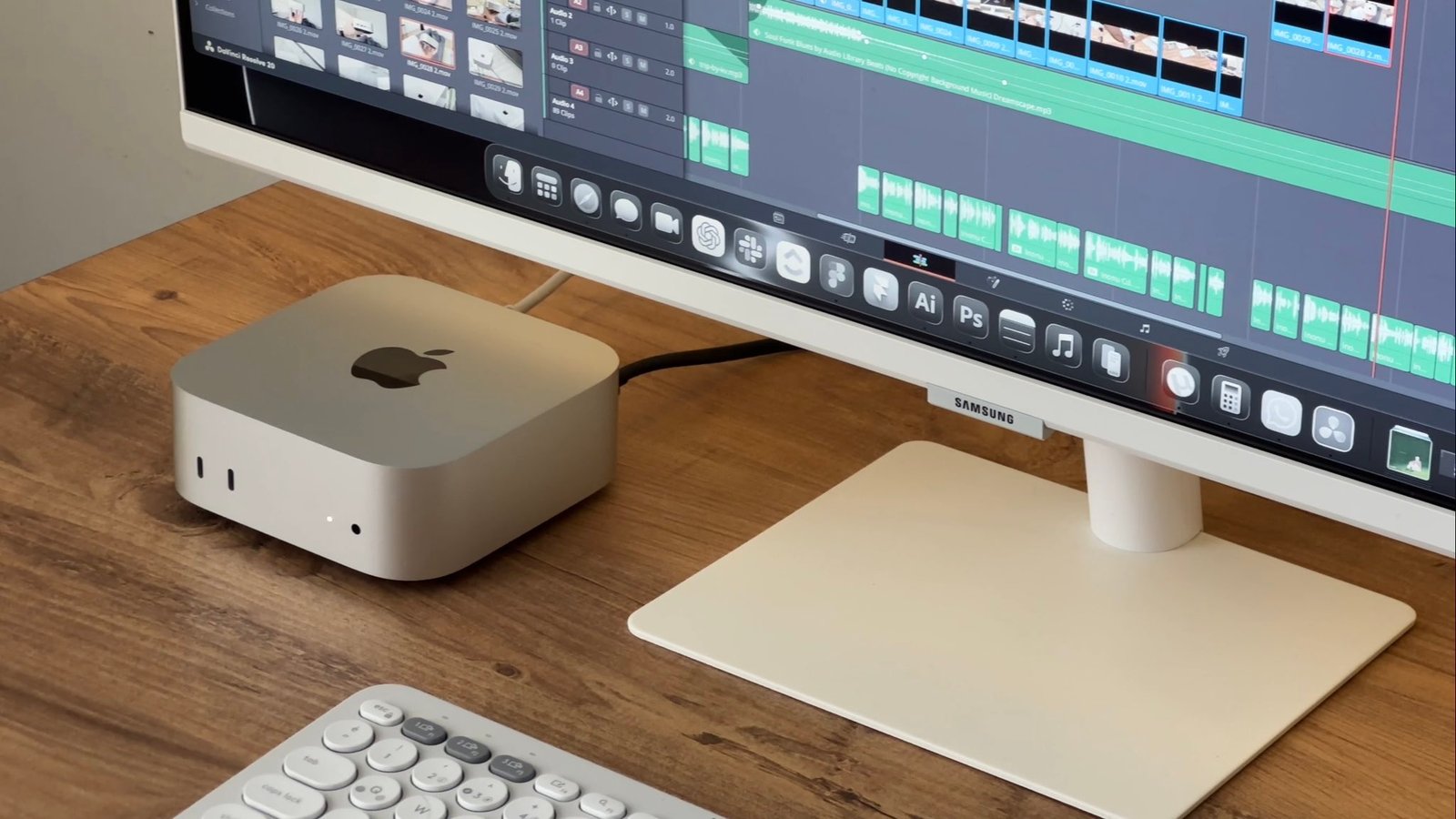
- Video Editors: DaVinci Resolve and Adobe Creative Cloud apps leverage the integrated Neural Engine for real-time background removal, instant audio noise reduction, and speedy proxy generation.
- 3D Artists: Local inference tools generate textures, upscale assets, and render preliminary scenes instantly while driving multi-display layout setups.
- Data Scientists: Running local model testing and lightweight machine learning training happens right on the desktop, saving expensive cloud compute fees.
As noted in reports on the Adobe Blog, on-device machine learning accelerates creative iteration times dramatically.
Economics and Sustainability
Purchasing a powerhouse that fits in your hand changes the financial equation for independent studios and enterprise fleets alike.
- Lower TCO: Reduced energy consumption significantly lowers electricity bills over a multi-year hardware lifecycle.
- Reduced carbon footprint: Energy-efficient silicon reduces overall power grid strain as outlined in energy efficiency metrics from the International Energy Agency (IEA).
- Hybrid flexibility: Moving between home and office requires carrying only a tiny metal box rather than a heavy PC case.
Objections & Limits
Critics often point out valid trade-offs when downsizing to a mini PC form factor.
- Upgradability: Unlike a mid-tier tower, internal components like unified memory and storage cannot be upgraded after purchase.
- Legacy hardware: Specialized PCIe expansion cards require external enclosure housing via Thunderbolt.
However, external docks and high-speed Thunderbolt storage arrays easily mitigate most expansion limitations for modern professionals.
Would you trade traditional internal upgradability for silence and a smaller footprint?
Also Read: Apple’s Foldable iPhone May Finally Be Ready—but What Took So Long?
The Future of Desktop Expectations
The shift toward ultra-compact professional hardware is only accelerating. Over the next two to four years, software applications will increasingly assume that powerful on-device neural processing is standard equipment.
Manufacturers across the industry are racing to match this form factor efficiency, meaning bulky desktop towers will soon become specialized tools rather than default workspace staples.
What Professionals Should Do Now
- Audit your resource usage: Check whether your current tasks actually demand discrete desktop expansion slots.
- Test local workflows: Run a week of video editing or code compilation on a compact system to measure performance differences.
- Plan your migration: Transition secondary workstations to ultra-compact form factors first to test multi-display stability.
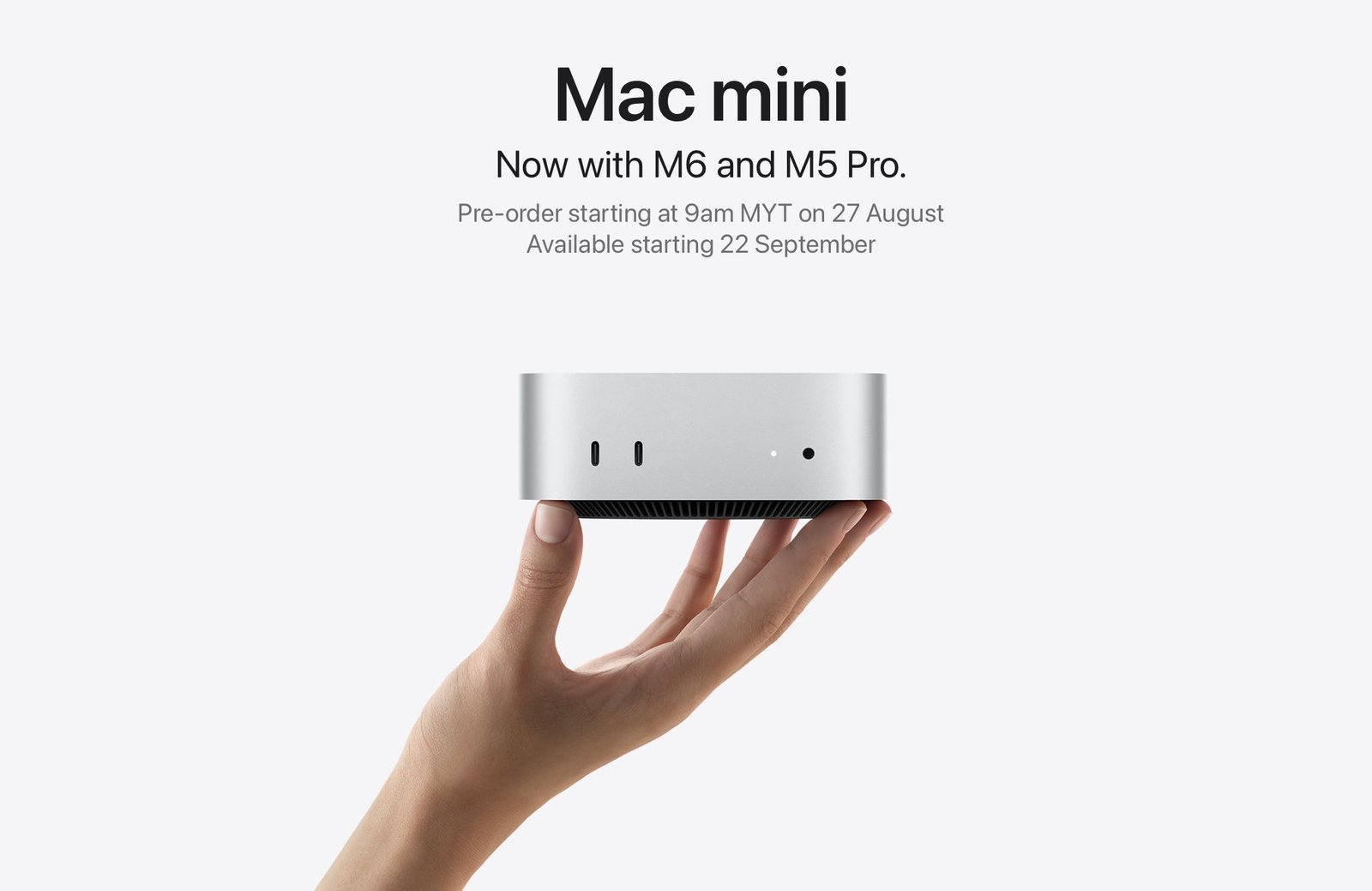
The new Mac mini is here. Small in size. Big on performance. From everyday productivity to all things AI, it can help you do it all. pic.twitter.com/GopxcHM5od
— Tim Cook (@tim_cook) August 25, 2026
Conclusion
The Apple M6 Mac mini form factor proves that the era of the bulky desktop tower is fading for a vast majority of creative professionals. By combining massive local processing power with an ultra-compact footprint, Apple has rewritten the rules of desktop computing.