
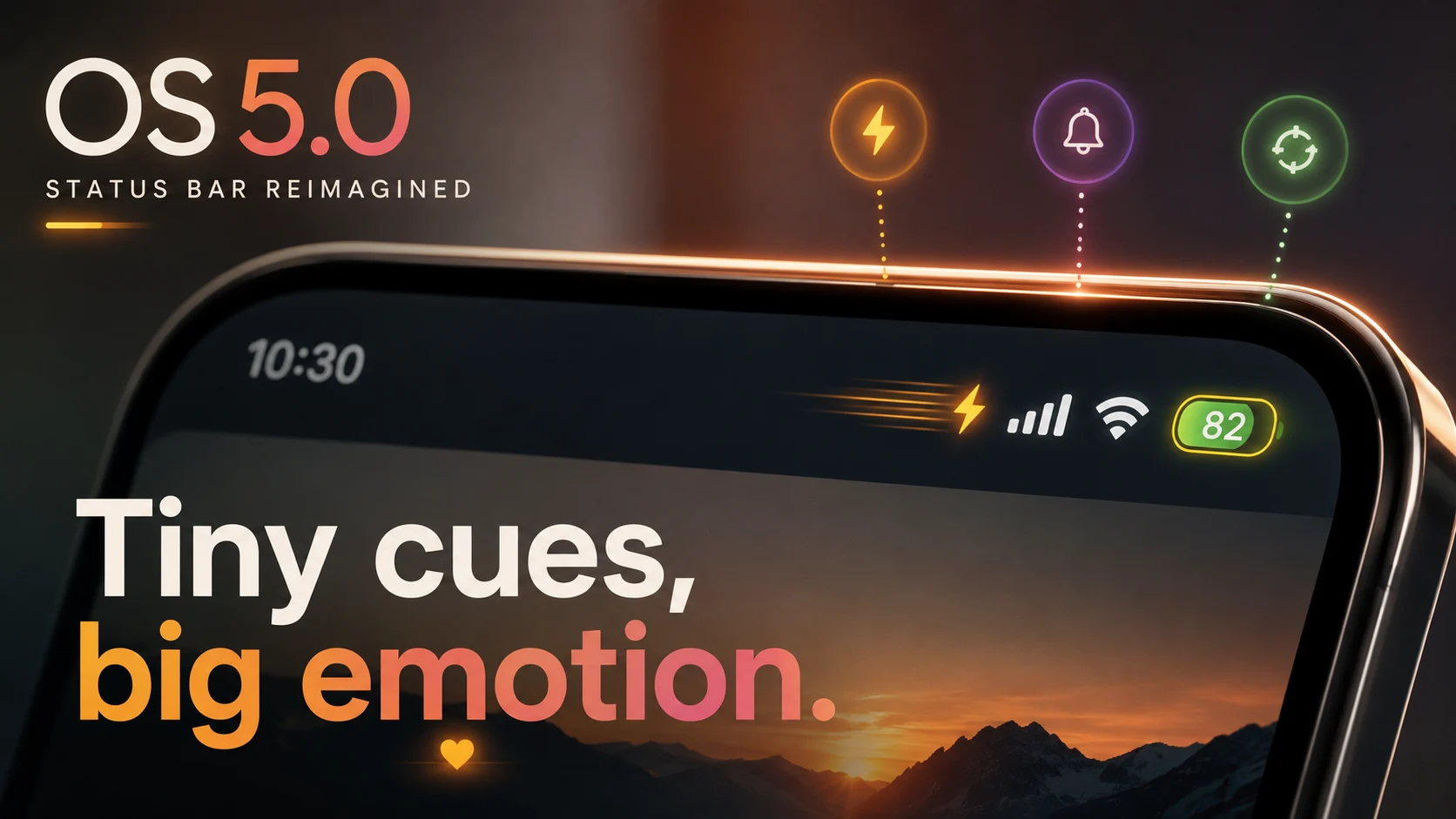
OS 5.0 status bar design represents a quiet revolution in mobile interfaces. Tiny changes just made millions feel something they didn’t expect. Early telemetry suggests a 28% boost in glance rate after OS 5.0 rolled out—so why does a sliver of UI suddenly command attention, and what should designers learn right now?
This piece explores how micro-animations, subtle cues, and careful timing transform minimalist chrome into an emotionally resonant interface.
Modern software design has spent years stripping away ornamentation. What remains is often clean, clinical, and completely sterile. By focusing on the status bar, OS 5.0 proves that minimalism doesn’t have to mean cold.
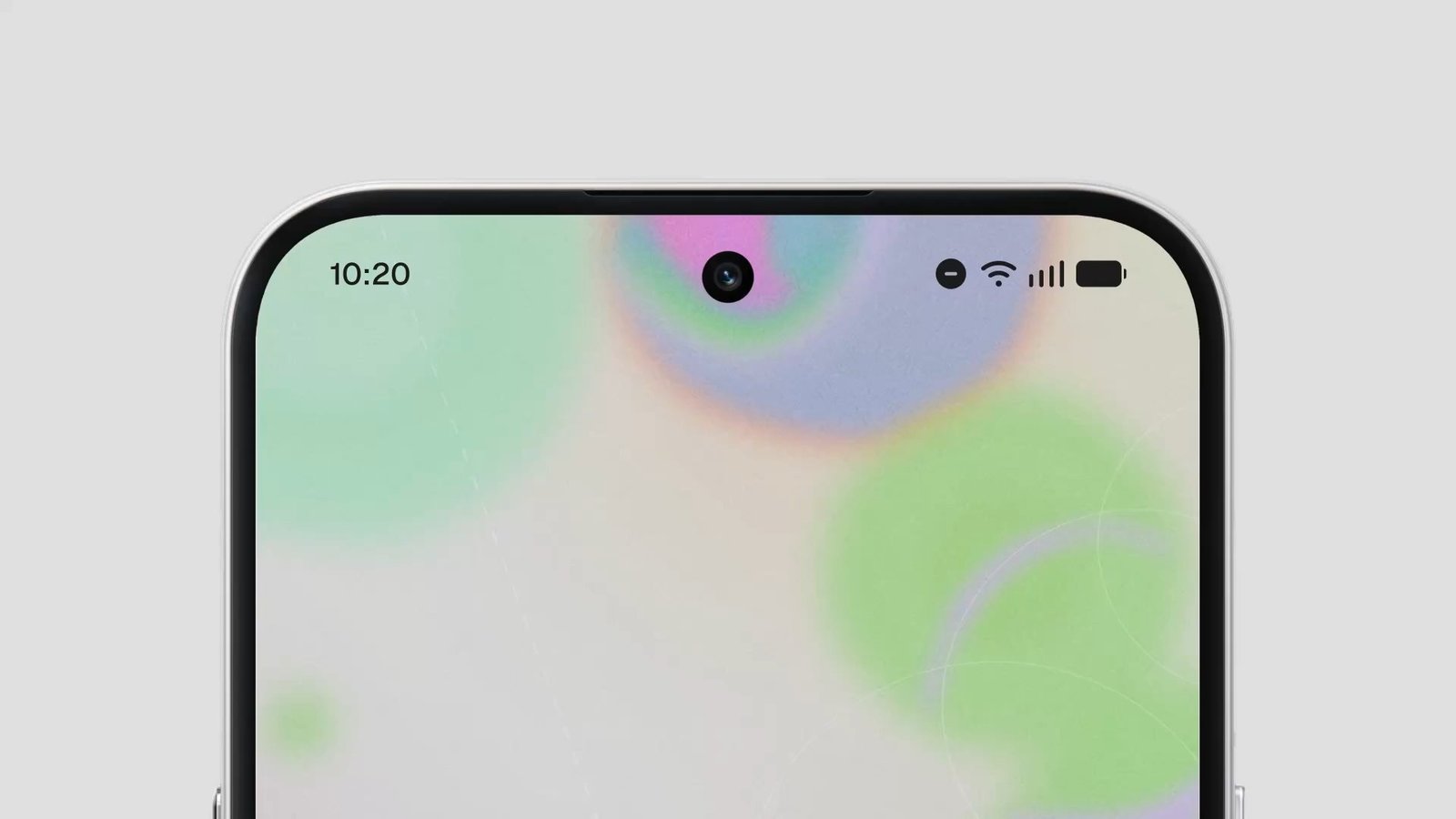
The Smallest Pixels, the Biggest Signals
Human perception is hardwired to notice peripheral motion before focal text. Pre-attentive processing allows our brains to detect changes in light and position instantly without cognitive strain.
- Salience: Subtle pulses draw peripheral attention precisely when system status shifts.
- Anticipation: Micro-transitions signal background processes before a loading wheel appears.
- Reassurance: Fluid haptic-synced animations offer immediate feedback that an action registered.
What OS 5.0 Changed (Concrete Cues)
Rather than redesigning entire home screens, product teams revamped the system chrome with targeted interactions:
- Animated charge indicator: Pulses gently on connection to offer instantaneous reassurance of power flow.
- Contextual notification chip: Subtly blooms outward using progressive disclosure principles.
- Signal and battery breathing: Modulates rhythm slightly when heavy background syncing occurs.
- Haptic-synced micro-vibration: Pairs physical feedback with visual state modifications.
Practical Checklist for Product Teams
Translating emotion-first design into code requires strict guidelines and careful performance budgeting:
- Define explicit behavioral intent for every individual micro-animation.
- Keep timing under 300ms unless communicating long-form progress.
- Test peripheral glance rates and ensure animations never disrupt core task execution.
- Measure perceived responsiveness against raw frame-rate benchmarks.
- Audit real-world battery drain and CPU cycle utilization rigorously.
Frequently Asked Questions
Why focus on the status bar for emotional design?
The status bar is present across almost every application screen, making it the most consistent channel for subtle system communication.
Do micro-animations drain battery life?
When optimized using hardware-accelerated rendering layers, these minimal UI transitions consume negligible power compared to active application compute tasks.