
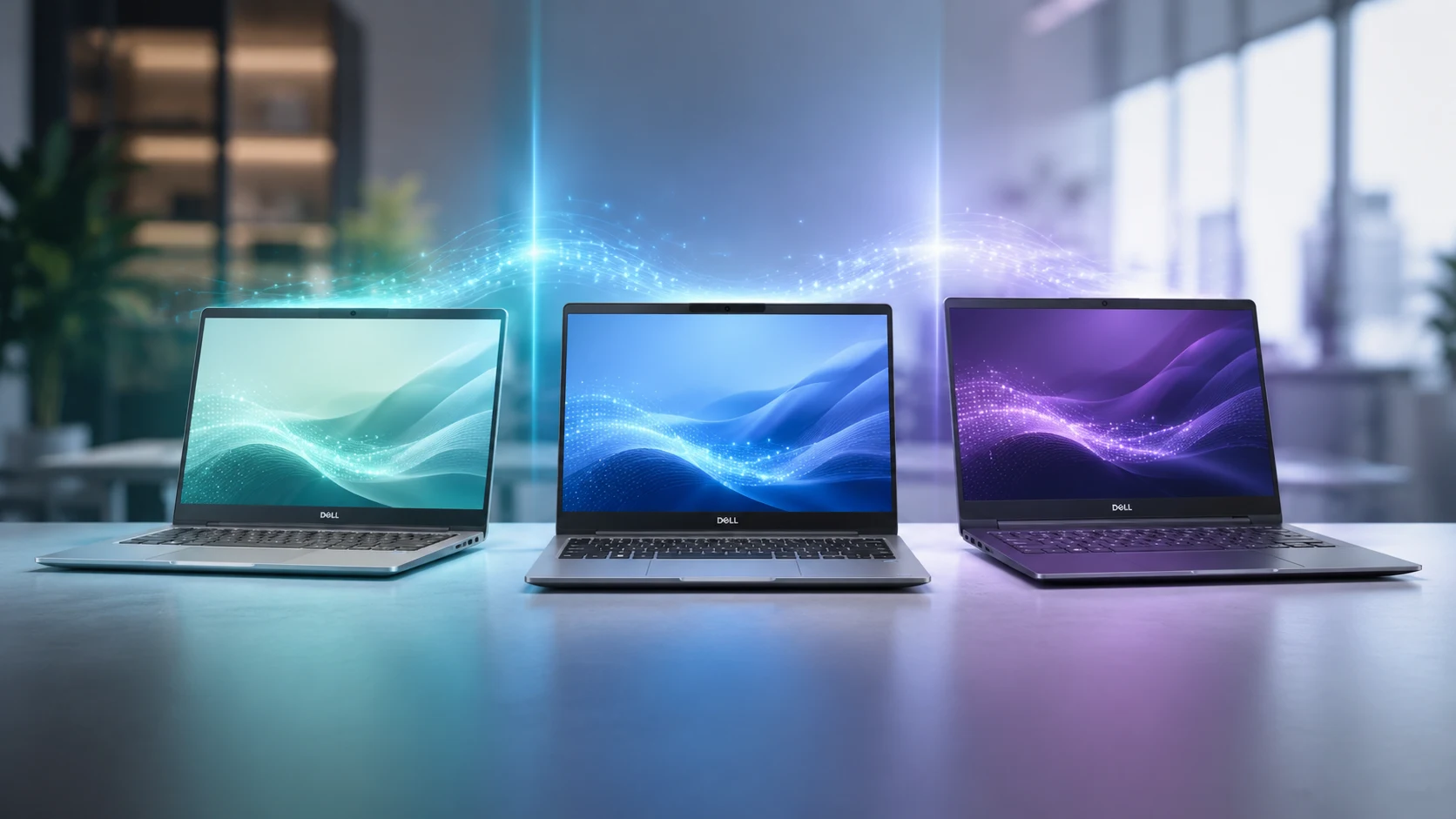
Dell is reshaping its commercial lineup to make selecting a work laptop simpler, dividing its portfolio into entry, balanced, and premium tiers. The new portfolio introduces the Pro 3, Pro 5, and Pro 7 families, giving buyers clear choices based on budget, mobility, and computational needs.
How we compared them: This breakdown analyzes Dell’s official product positioning, configuration options, and hardware specifications from Dell’s commercial announcements and trusted tech coverage.
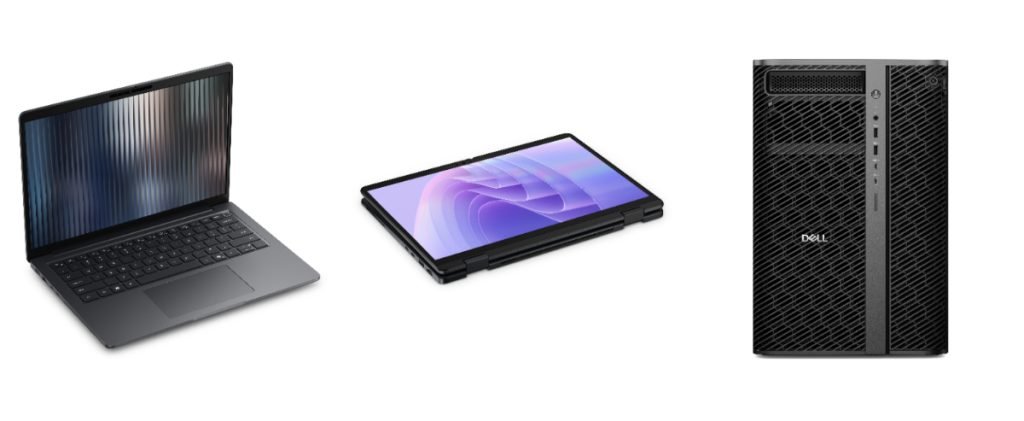
Pro 3, Pro 5, and Pro 7 positioning
The new commercial lineup is structured logically: the Pro 3 serves as the entry-level option, the Pro 5 acts as the configurable everyday workhorse, and the Pro 7 occupies the premium tier designed for executives and mobile-first users.
Dell positions the Pro 5 around wide flexibility for corporate tasks, while the Pro 7 emphasizes high-end mobility and sleek structural designs.
Processor and NPU differences
Performance capabilities scale up significantly as you move across the tier. The Dell Pro 7 utilizes high-end processor options including the Intel Core Ultra Series 3 and AMD Ryzen AI PRO 400 Series. Featuring Neural Processing Units (NPUs) capable of reaching up to 55 TOPS in elite configurations, the Pro 7 delivers maximum power for heavy machine learning tasks compared to its entry-tier stablemates.
RAM and storage options
Memory and storage configurations cater to varying workload intensities. The Dell Pro 7 supports robust configurations ranging from 16GB up to 64GB of fast LPDDR5x memory. Meanwhile, the Pro 5 offers extensive configurability tailored for office workflows, allowing IT administrators or users to scale storage and RAM to fit specific productivity demands.
Display sizes and resolutions
Screen options are designed around user mobility preferences. The Pro 7 focuses on compact 13-inch and 14-inch form factors optimized for travel. In contrast, the Pro 5 extends its footprint into 14-inch and 16-inch sizes, offering broader screen estate for multitasking and desktop-like comfort.
GPU options
Graphics choices align closely with business efficiency rather than heavy gaming. Integrated business graphics handle everyday rendering, video calls, and display management smoothly. The higher tiers offer performance-oriented configurations designed to accelerate content viewing and basic graphical operations cleanly.
AI features and on-device AI capabilities
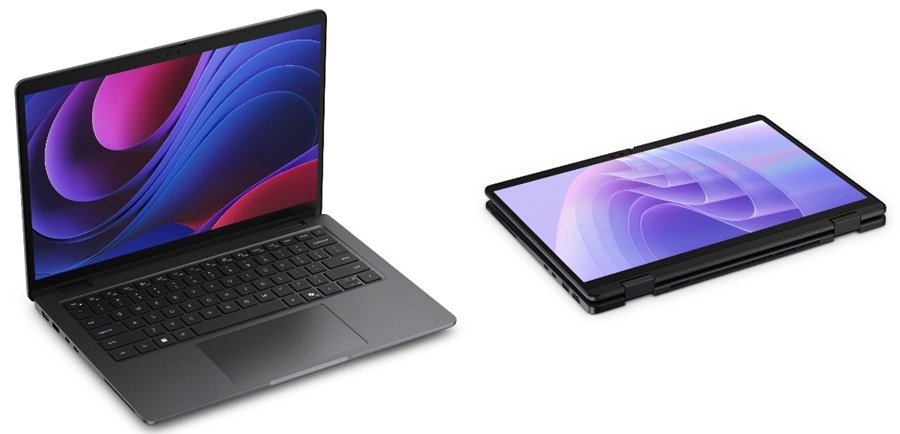
As true AI PCs, these machines are built to handle Copilot+ PC experiences and localized tasks. The Pro 7 stands out with deep on-device AI support, leveraging powerful NPU integration to run generative models, real-time translations, and security tasks locally without taxing the main processor.
Battery and charging differences
Battery engineering matches the intended use case of each chassis. The Pro 7 incorporates advanced battery-saving architecture to sustain mobile professionals through long travel days. The Pro 5 features options for extended-capacity batteries and supports robust power profiles to keep up with intensive daily work sessions.
Ports, connectivity and wireless standards
Connectivity options focus on modern business workflows. The Pro 5 is noted for offering optional 5G mobile internet connectivity for field workers, while the Pro 7 prioritizes streamlined, high-speed wireless standards and robust physical ports for swift peripheral integration during travel.
Build and design differences
Physically, the new lineup features thinner and lighter chassis profiles than previous generations. The Pro 7 leans into ultra-premium materials for a slim, luxury feel, whereas the Pro 5 adopts a durable, professional workhorse aesthetic built for everyday handling in diverse office environments.
Which model is aimed at students, professionals and businesses
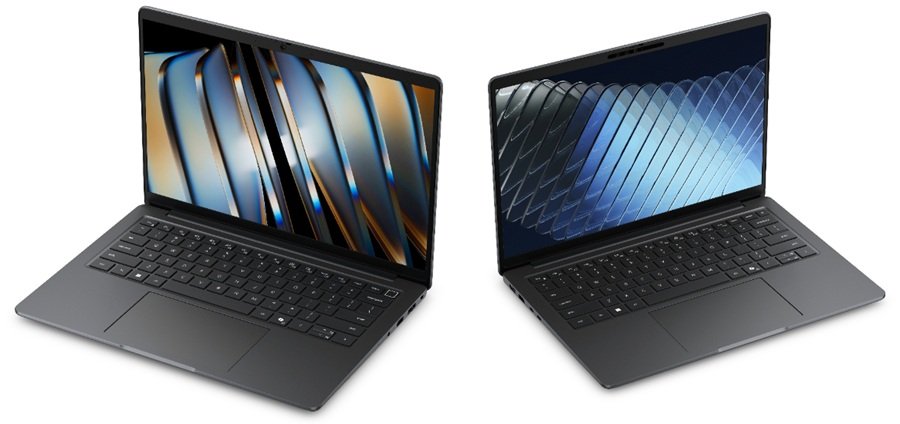
- Students: The Pro 3 serves as the ideal entry-level, value-focused choice.
- Professionals: The Pro 5 functions as the reliable everyday system for business teams.
- Businesses & Executives: The Pro 7 targets mobile leaders, frequent flyers, and communications-heavy users requiring premium performance.
Also Read: The hidden reason behind India’s 109.9% AI PC shipment spike
Quick comparison table
| Category | Pro 3 | Pro 5 | Pro 7 |
|---|---|---|---|
| Positioning | Entry-level / value-focused | Balanced workhorse | Premium / mobile-first |
| Processor and NPU | Basic commercial AI PC tier | Stronger configurable performance | Highest AI and mobility focus |
| RAM and storage | Standard business configurations | Wider configurability | 16GB to 64GB LPDDR5x options on current listings |
| Display sizes | Smaller / entry range | 14-inch and 16-inch focus | 13-inch and 14-inch focus |
| GPU | Basic business graphics | More performance-oriented options | Mobile-friendly business graphics |
| AI capabilities | Essential AI PC support | On-device AI support | Strongest on-device AI emphasis |
| Battery and charging | Practical everyday use | Extended battery option | Battery-saving, portable use |
| Ports and wireless | Core business connectivity | Optional 5G mobile internet | Strong portable connectivity |
| Design | Simple and practical | Configurable workhorse | Thinner, lighter, premium |
| Best for | Students | Professionals | Businesses and mobile executives |
Which model offers the best overall balance
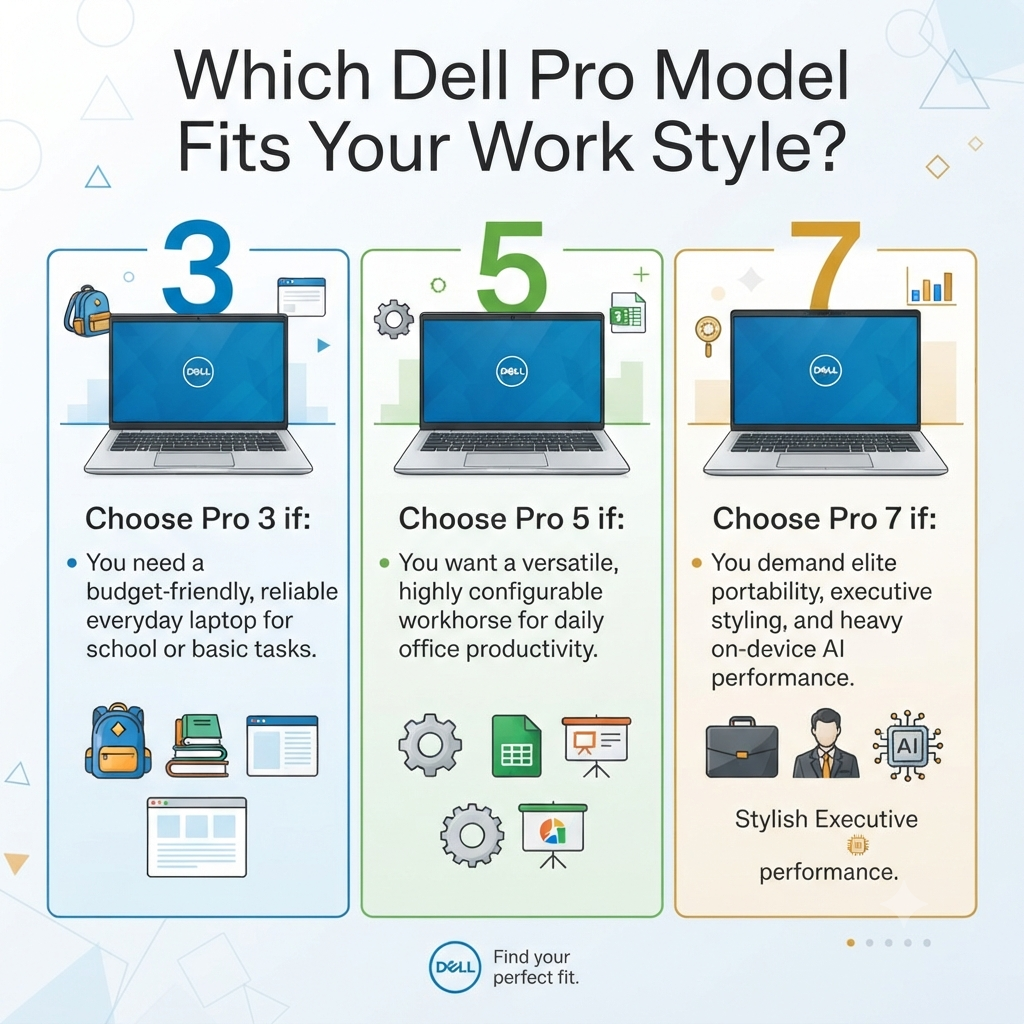
The Pro 5 emerges as the best overall choice for most everyday users and standard corporate deployments. By sitting comfortably between the budget-driven Pro 3 and the ultra-premium Pro 7, the Pro 5 provides the ideal mix of broad configuration options, reliable performance, and cost-efficiency.
Sources
- [1] ITPro — Dell Pro 5 vs Dell Pro 7: What’s the difference
- [2] TechRadar — Key differences explained for Dell Pro laptops
- [3] Dell Technologies Blog — New Dell Pro Notebooks: Bold Designs for Every Business
- [5] Dell Newsroom — Dell Reimagines Commercial PCs
- [9] TechRadar — How Dell Pro 5 and Pro 7 laptops support AI software for business teams
- [10] Dell Technologies — Dell Pro Laptops Family Brochure PDF