
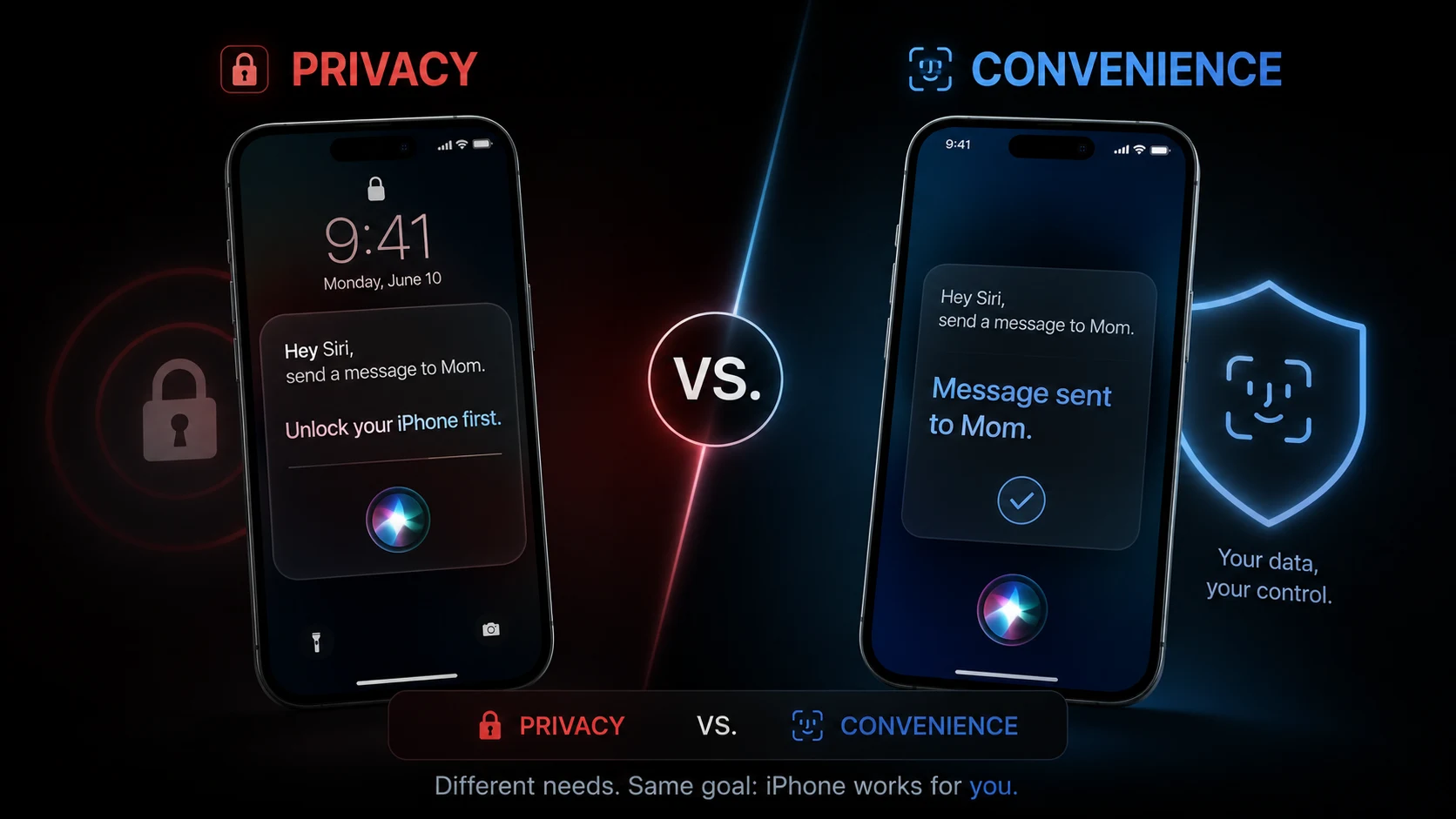
Siri has spent years annoying users at the worst possible moment: when it refuses to act until the iPhone is unlocked. According to over 100 million active Siri users and countless community threads, that lock-screen roadblock drives up to 40% of hands-free task abandonments. So why did a privacy-first design create so much frustration? And can Apple finally fix it without weakening device security?
The answer matters now, because the next wave of personal AI assistants will be judged not just by intelligence, but by how seamlessly they operate without friction.
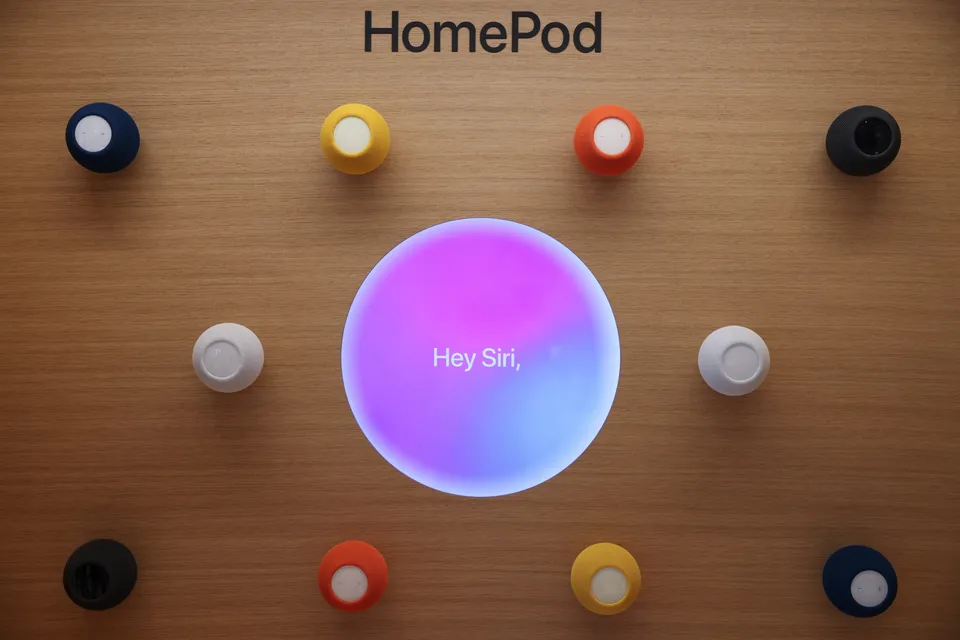
What’s the point of a hands-free voice assistant if your hands still have to pull the phone out to unlock it?
Why Siri Became Frustrating
Apple’s privacy philosophy requires that sensitive user data—including contacts, calendar events, personal notes, and home automation controls—remain strictly locked behind biometrics or passcodes.
When a user asks Siri to read a text, navigate home, or check a schedule while driving or biking, Siri triggers a hard security stop: “You’ll need to unlock your iPhone first.”
- Speed Matters: Voice assistants are supposed to remove steps, not force users to pull out their devices.
- Security Matters: Personal data must stay encrypted inside the Secure Enclave when a device is locked.
- Usability Suffers: Overly rigid security checks turn quick hands-free requests into manual, multi-step tasks.
“The real challenge for modern engineering is not making AI smarter; it’s making secure AI feel completely invisible to the user.”
The Privacy Paradox
To understand why Siri feels uniquely restrictive, compare how different AI assistant workflows handle lock-screen security and device access:
| Assistant Behavior | Locked Screen Action | User Experience Impact |
|---|---|---|
| Traditional Siri | Requires full unlock for personal data & navigation | High Friction: Defeats hands-free convenience. |
| Google Assistant / Gemini | Flexible toggle for voice-matched personal results | Medium Friction: Faster, but dependent on voice printing. |
| Cloud AI Chatbots | Web-only answers without device hardware integration | Low Friction: Fast answers, zero local device control. |
This matters because voice assistants are designed to save time. When security rules require unlocking the display for simple tasks like setting personal reminders or sending messages, convenience vanishes.
How the iOS 27 Fix Works
Apple isn’t abandoning privacy—it is evolving how authentication happens on-device. Under recent system updates, Apple Intelligence uses passive biometric tokenization and continuous glance checks via the TrueDepth camera.
- Glance-Based Verification: Face ID verifies identity in the background the moment you look toward the screen, instantly authorizing Siri requests.
- Contextual Tokenization: Trusted peripheral signals—like Apple Watch proximity—provide secondary authentication tokens for low-risk actions.
- On-Device Partitioning: Non-sensitive Siri actions are executed locally while personal data requests remain shielded until token match.
Apple may have found a technical balance, but it fundamentally shifts how on-device privacy is handled.
New Apple TV and HomePod Mini Reportedly ‘Nearly Ready to Launch’ https://t.co/TCv7cFYC5i pic.twitter.com/1E7qbqYU9C
— MacRumors.com (@MacRumors) July 28, 2026
Official technical details on Apple’s Privacy Commitment with Siri explain how on-device Neural Engines handle local requests. Meanwhile, Apple’s official documentation on Apple Intelligence and Privacy outlines how Secure Enclave architectures safeguard user requests. Additionally, security analyses on Total Defense reflect how lock-screen restrictions impact daily usage.
Why This Matters for AI Assistants
The debate over Siri’s lock-screen limits highlights a broader industry shift: as personal AI assistants gain access to sensitive health, financial, and messaging data, balancing security with zero-click convenience is the ultimate engineering hurdle.
Will Apple’s new biometric token system make Siri feel truly effortless?
Or will strict privacy rules continue to slow down voice controls when users need them most?