
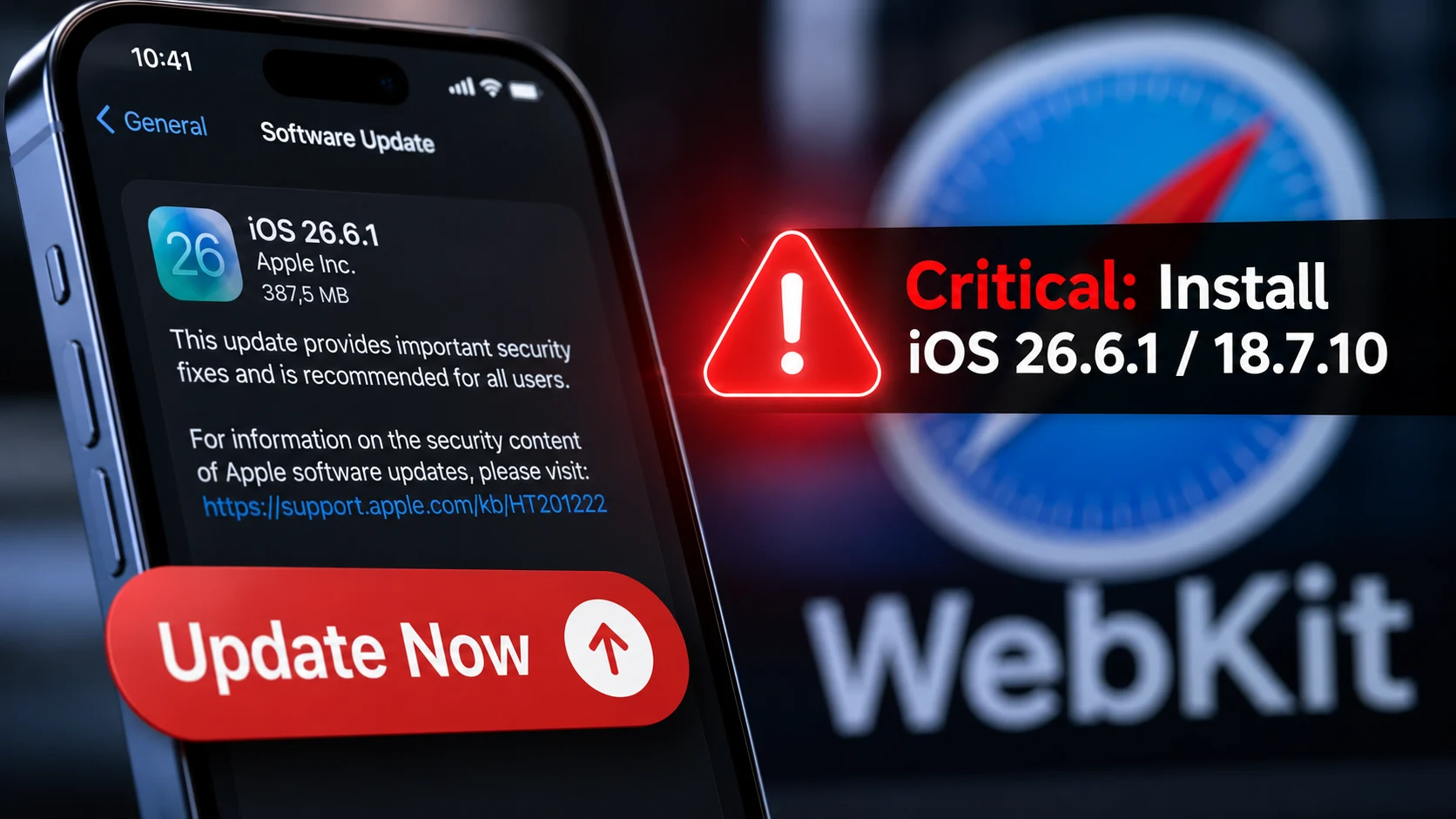
Apple just rushed out a fix that should alarm every iPhone owner — update your device now. Apple patched multiple critical WebKit vulnerabilities in iOS 26.6.1 and iOS 18.7.10 affecting millions of iPhones; security researchers flagged active exploitation. How long will you wait before attackers can use these flaws to hijack your phone? Install the update immediately — don’t delay.
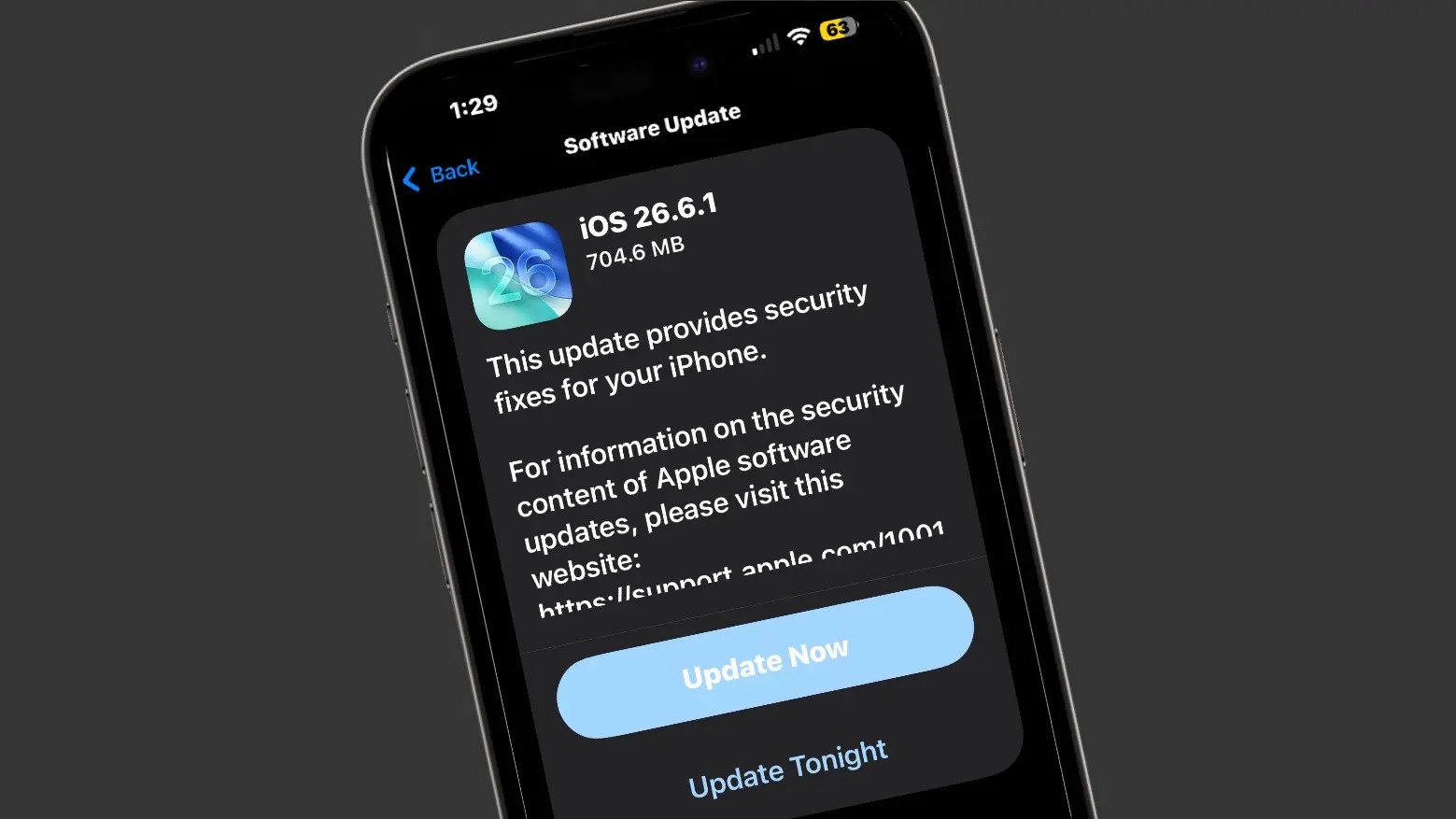
Quick Summary
- What: WebKit vulnerabilities fixed in recent updates.
- Affected: iPhone models running supported iOS versions.
- Action: Go to Settings > General > Software Update and install immediately.
Why This Matters
WebKit powers Safari and many in-app browsers; a critical bug in WebKit can let a malicious webpage execute code on your device. That could let attackers read messages, steal passwords, or take control of your phone — silently. Security researchers who examined the issue urge immediate installation because they found signs the vulnerabilities could be exploited in the wild.
What WebKit Vulnerabilities Mean in Plain Language
A bug in WebKit lets a web page trick your iPhone into running unauthorized instructions. Think of WebKit as the gatekeeper for web content — these bugs are broken locks. Attackers can open the gate without you clicking anything, making a prompt security patch critical for daily safety.
Which Devices and iOS Releases
- Affected Releases: iOS 26.6.1 and iOS 18.7.10.
- Supported Hardware: Apple rolled out these updates for eligible devices ranging from newer flagship models down to legacy units supported by iOS 18.
- Older Devices: If your device can’t update, consider limiting web activity or switching to safer networks until you can upgrade.
How to Update Right Now
- Plug into power and connect to Wi‑Fi.
- Open Settings > General > Software Update.
- Tap Download and Install, follow prompts, and allow your device to restart.
What Else to Do After Updating
- Restart device after update to clear background temp states.
- Clear Safari history & website data.
- Change passwords for high-value accounts if you suspect compromise.
- Enable automatic updates via Settings > General > Software Update > Automatic Updates.
How Researchers Discovered It & Proof of Exploit
Security researchers and Apple’s internal engineering team identified the vulnerability; in some cases, experts reported active exploit attempts in the wild. Apple tracks these issues through dedicated vulnerability disclosures to ensure a comprehensive Apple security release.
FAQs
Will updating erase data?
No, standard software updates preserve data; however, maintaining a regular backup is always a smart precaution.
Can this affect my Mac or other devices?
The core issue centers on WebKit, meaning related patches or companion browser updates may also roll out for macOS and other ecosystem platforms if applicable.
How urgent is “immediate”?
Within hours to a day if possible — cybercriminals frequently attempt to exploit widely publicized flaws before users apply the iOS security update.
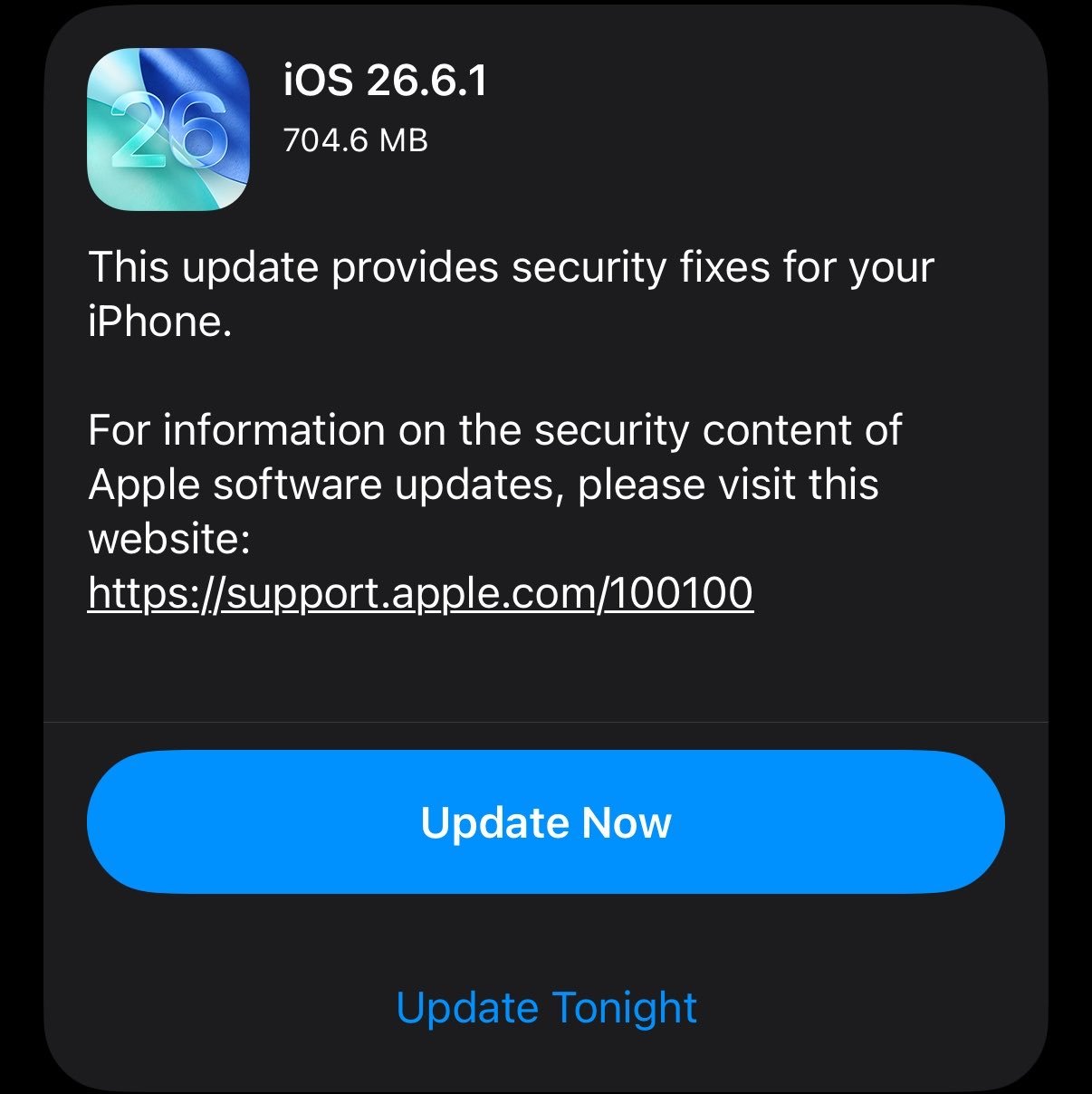
Apple has released iOS 26.6.1 to the public 🚨
The update includes security fixes pic.twitter.com/iQjWcLuRh0
— Apple Cycle (@theapplecycle) August 17, 2026
Sources & Further Reading
Final Urgent Reminder
Install the Update Immediately — it’s the fastest, simplest defense against active mobile browser exploits.