
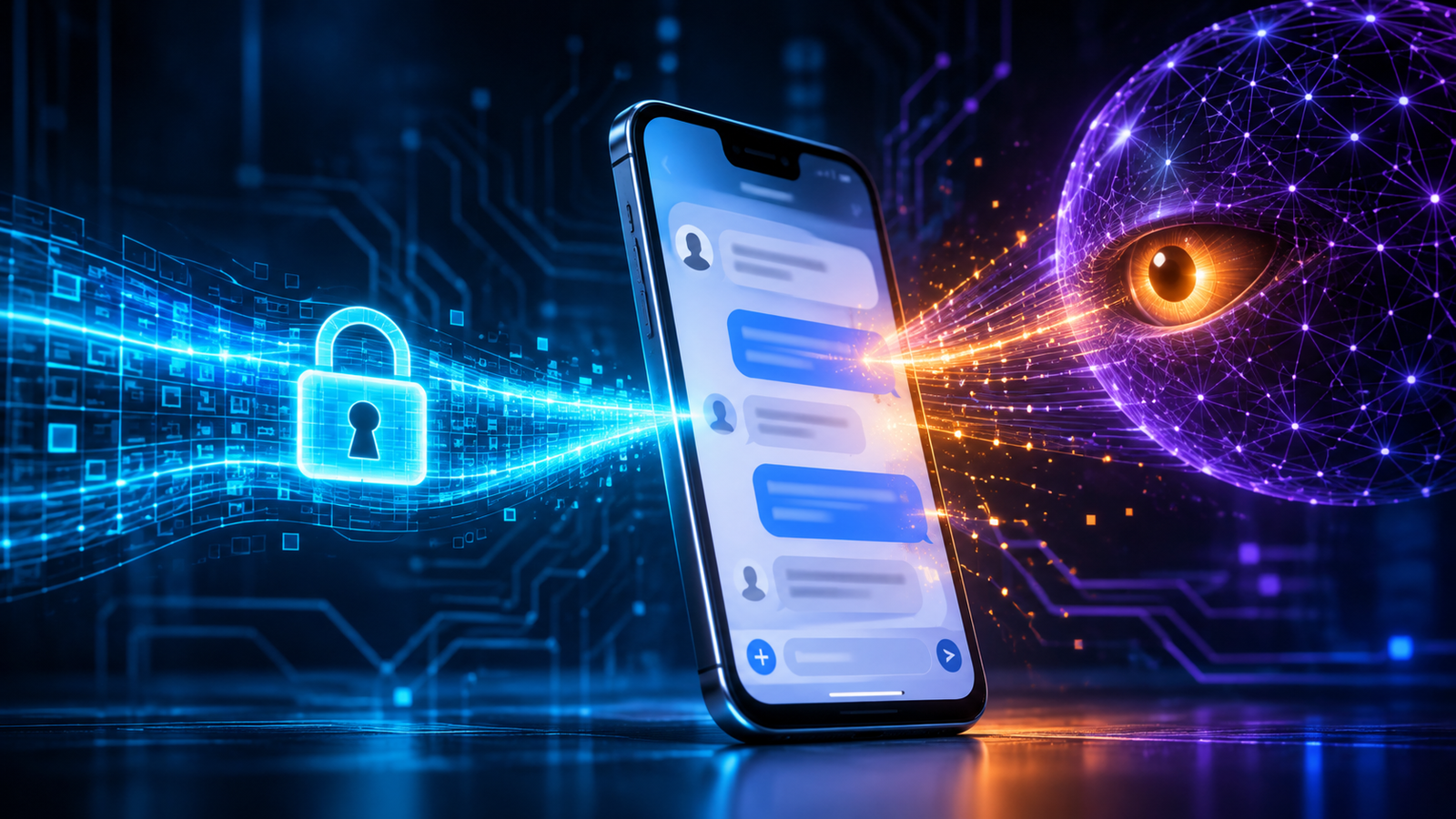
End-to-end encryption (E2EE) has been the gold standard for private messaging for years. The promise is simple: only the sender and the person they’re writing to can read a message. But there’s a gap at the very end of that secure trip, and AI agents built into our operating systems are walking straight through it. The gap is the screen.
Signal recently decided to restrict screenshots and stop AI assistants from reading its chats. It’s easy to file that under “another privacy toggle,” but I think it’s closer to an early warning. The wall between a private app and the operating system around it is coming down. Once an OS-level agent can read decrypted content straight off the display, E2EE still protects your message while it travels. It just can’t promise the message stays private once it’s on your device.
The encrypted message that was never private
Picture two people trading a sensitive message on Signal. It’s encrypted as it crosses the internet and encrypted in the app’s storage, and only the two of them can read it.
Then one of them asks their phone assistant, “What was I just reading?” or “Summarize this conversation.”
To answer, the assistant may look at whatever is on the screen. By then the message has already been decrypted so a human can read it. The agent doesn’t have to crack Signal’s encryption, break into its servers, or sniff network traffic. It just needs the pixels and text currently being displayed.
Signal says OS-level AI agents scan what’s on screen, capture Signal data, and hand it to agentic systems so they can answer questions or complete tasks. Once it’s captured, that data could end up in a local database or on a remote server that Signal has no control over.
That’s the paradox in a nutshell: the encryption worked, and the privacy still failed.
It’s not just about screenshots
Most of the coverage has treated Signal’s move as a straightforward feature update. The app now blocks screenshots so that assistants like Apple’s Siri and Google’s Gemini can’t read private chats. That’s accurate, but it undersells what’s going on.
Screenshots are just the most obvious way in. The bigger shift is that modern AI agents lean on multimodal context: what’s on your screen, which files are on your device, what notifications are arriving, and what you’re trying to get done.
Signal is upfront that blocking screenshots doesn’t close every door. An agent might still reach app data through the device’s file system, for example.
So the real story isn’t Signal versus screenshots. It’s app-level confidentiality versus OS-level context awareness.
Where E2EE ends
E2EE was designed for a world where the endpoint, your phone or laptop, could be reasonably trusted. It secures the connection between two endpoints. What happens after a message is decrypted and shown on screen is outside its reach.
| Layer | What it protects | What it cannot protect |
|---|---|---|
| Network transit | Message contents from interception between sender and recipient | Content after it reaches the device |
| App storage | Messages stored within the app, subject to app-level protections | Data exposed through OS services or file access |
| User display | The recipient’s ability to read the message | Any local process or agent able to observe the rendered screen |
| AI-agent context | Nothing by default | Content used as context for answering, automating, summarizing, or retaining |
E2EE is still essential. It just wasn’t built to answer a question we’re now being forced to ask: what happens when the device itself becomes an AI-driven observation platform?
The boundary collapse
For a long time, mobile security rested on a pretty clean division of labor:
- Apps controlled their own data and interfaces.
- Operating systems handled permissions.
- Users decided what to share, copy, screenshot, or send.
- Sensitive content mostly stayed inside the app that created it.
Agentic AI breaks that model. Apple and Google are building features like Siri’s Onscreen Awareness and Gemini Intelligence right into their operating systems, and these can use whatever is on your screen to help, automate, and answer questions.
Signal president Meredith Whittaker describes this as a basic change in the environment apps live in. Operating systems, she says, are the “oceans” apps like Signal have to swim in, and agentic AI is making that water more and more hostile to privacy.
The new threat model
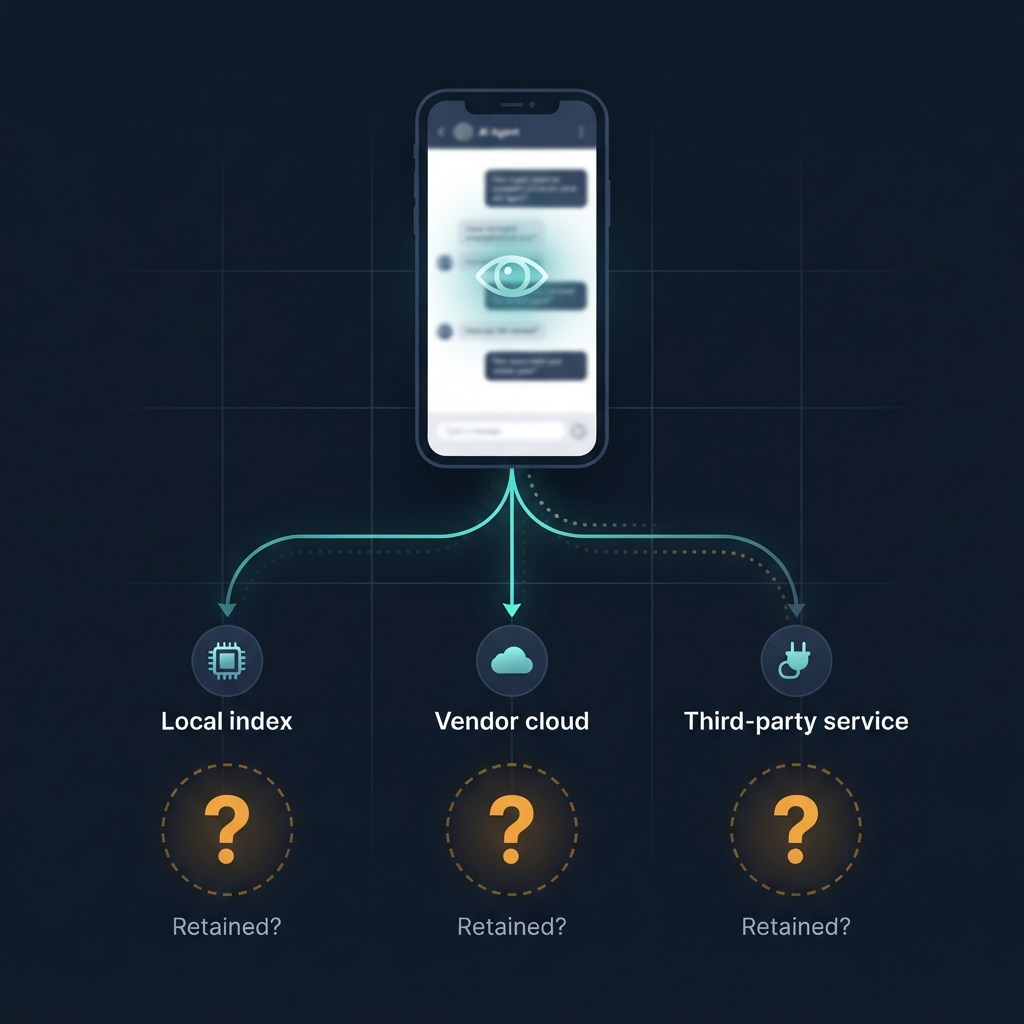
It would be easy to say “the AI assistant is basically malware,” but the reality is more unsettling than that.
The OS agent is a trusted-but-dangerous local observer.
It may be perfectly legitimate vendor software, built to help you. But if it has broad access to your screen, files, notifications, and system context, it can work as a powerful data-harvesting tool, even if nobody ever intended that.
Malicious intent isn’t the issue here. The issue is unbounded context.
Zero-click exfiltration: consent without awareness
“Zero-click” usually brings to mind a remote attacker quietly taking over a phone. Here it means something different: sensitive content can flow into an AI pipeline without you ever choosing to share that particular thing.
Walk through how it might go:
- You open a Signal chat containing a medical result, legal advice, a password reset code, or a confidential work discussion.
- Later, you ask your assistant to help draft a reply, summarize an article, or find something you were reading.
- The agent captures or processes the chat that was visible on screen as context.
- You never tapped “Share,” “Copy,” or “Send to AI.”
Signal warns that once content is captured, it may be stored in, or accessible to, whatever local database or remote server the OS-level agent happens to be using at that moment.
Why this differs from a screenshot
| Ordinary screenshot | AI-agent screen awareness |
|---|---|
| The user consciously captures an image | The agent may collect context during a broader request |
| The output is usually a visible local image | Content may be parsed, embedded, indexed, or transmitted |
| The user can generally see the artifact | Capture may be invisible or poorly understood |
| The scope is usually one screen | Context can combine screen content with files, apps, and prior activity |
| The user retains a clear mental model | The user may not know what became part of the agent’s context |
This matters because you don’t need a hacker for privacy to be harmed. It can happen through retention you didn’t expect, secondary uses, inferences drawn across contexts, or just the plain fact that a private message ended up as input to an AI system you never meant it to reach.
Signal’s countermeasure: necessary, but incomplete
Signal’s response is a defensive patch for what is really a structural problem.
On iOS 27, Signal turns on a Block Siri AI control by default. It stops Siri from scanning Signal content and blocks screenshots inside the app and in the App Switcher. On Android, Signal automatically switches on Screen security when it detects an AI assistant trying to read the screen.
You can turn these protections off if you need to take screenshots. Signal is blunt about the trade-off, though: doing so may expose both your Signal content and your contacts’ to AI agents, which undercuts the privacy guarantees the app exists to provide.
What Signal gets right
- It treats OS agents as a real privacy threat, not just a convenience feature.
- It protects by default instead of asking users to opt in.
- On Android, it tells the difference between a screenshot you take and an agent reading the screen.
- It gives users a clear switch for when they have a legitimate reason to take screenshots.
What it can’t solve alone
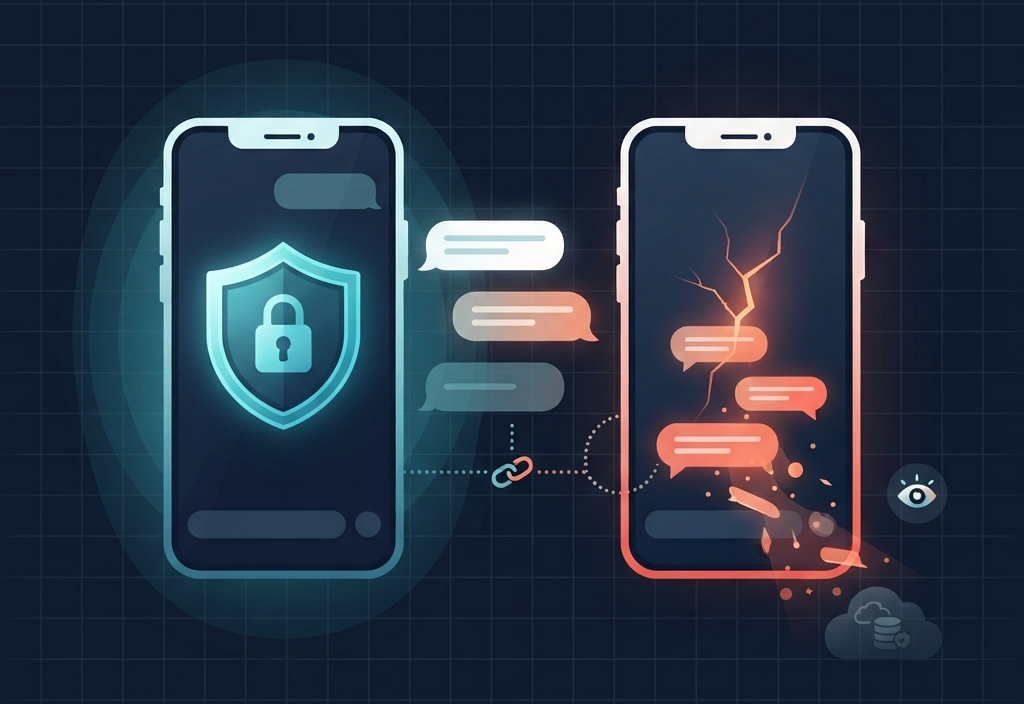
Signal admits its fix is incomplete. Blocking screenshots doesn’t stop every route to your data, including an agent pulling content that’s already sitting on the device through the file system.
There’s also the weakest-link problem. If one person in a conversation turns protections off on their device, the other person’s messages can still leak from that side. Signal notes that disabling screenshot protection can expose both your content and your contacts’.
And since Apple, Google, and Microsoft control the underlying access model, app developers can’t enforce isolation by themselves. Signal says it currently doesn’t have solid tools to stop AI agents from undermining app-level privacy, and that it can’t build equivalent protections on macOS because the necessary APIs are missing or inadequate.
Who owns the screen?
This is the uncomfortable question underneath the whole debate.
For years, the unspoken deal was:
- The app owns its interface.
- The OS owns the device.
- The user owns their data.
Agentic AI blurs all three.
The OS can see what an app displays. The AI vendor may process that display context. You may not really understand what you’ve consented to. And the app can’t fully protect data once it’s been rendered somewhere outside its control.
Signal argues that developers need a simple, well-documented way to opt their apps out of AI data access and processing. That includes screen reading, filesystem access, notifications, APIs, and other OS frameworks, and it shouldn’t wreck the app’s core usefulness. Signal also wants clearer technical documentation of how agents access and process data.
The policy question is a stark one: should OS-level agents be allowed to observe privacy-sensitive app content by default, with apps forced to opt out, or should sensitive apps be excluded by default, with users explicitly authorizing access?
Signal leans toward the second model: restrict first, then let users loosen things if they choose.
What a durable fix requires
Blocking screenshots is a stopgap. A lasting solution has to change the default relationship between apps, operating systems, and AI agents.
For OS vendors
- Build a formal sensitive-content system that lets apps mark screens, views, or data as off-limits to agent context.
- Make agent access purpose-bound, so that answering one question doesn’t turn into blanket permission to keep or transmit screen content.
- Offer controls per app, per session, and per content type.
- Give users an understandable record of what an agent saw, kept, or sent off the device.
- Stop agents from quietly treating protected app surfaces as general-purpose context.
For privacy-first apps
- Treat the OS agent as an untrusted local threat actor when threat modeling.
- Turn on screen-security protections by default for sensitive surfaces.
- Use secure display mechanisms where they exist.
- Warn users that switching off protections can expose not just their own messages but those of other participants too.
- Show less sensitive data at once when the OS can’t guarantee isolation.
For enterprises
- Update mobile threat models to include OS-level AI agents.
- Classify AI assistants as privileged local software with potential data-egress paths.
- Set explicit policy for regulated or high-risk data: health, legal, financial, HR, source protection, and internal communications.
- Don’t assume E2EE alone meets your confidentiality requirements on an endpoint with AI agents enabled.
Privacy is becoming contextual
The deeper change is conceptual. For two decades, privacy debates were mostly about encryption. Can someone intercept this message? Can they read it while it’s stored? Can they get into the server?
AI agents add a different question:
Should an AI system be allowed to understand, retain, draw inferences from, or act on this content at all?
Stronger ciphers can’t answer that. The weak spot isn’t the encrypted channel. It’s the trusted rendering surface, the place where plaintext finally becomes visible.
Signal calls itself the canary in the coal mine, and its warning reaches well past encrypted messaging. Banking apps, password managers, health portals, corporate chat tools, and any other app that handles sensitive information now face the same pressure.
The next big privacy fight won’t be about who can intercept a message.
It’ll be about who gets to see the screen after the message has already been decrypted.