
Meta may be turning browser-native calling into a Trojan horse for enterprise communication. Meta is quietly attacking the one weakness that still protects Zoom: installation friction. Zoom holds 55.44% of the global video market, but over 500,000 business customers remain trapped behind strict corporate IT policies.
Can browser calling break that wall? The battle for remote work is shifting right now. Meta just launched full video calling directly inside WhatsApp Web, serving 2 billion active users with zero downloads required. The tech giant is aggressively targeting enterprise workflows.

Why Installation Friction Still Protects Zoom
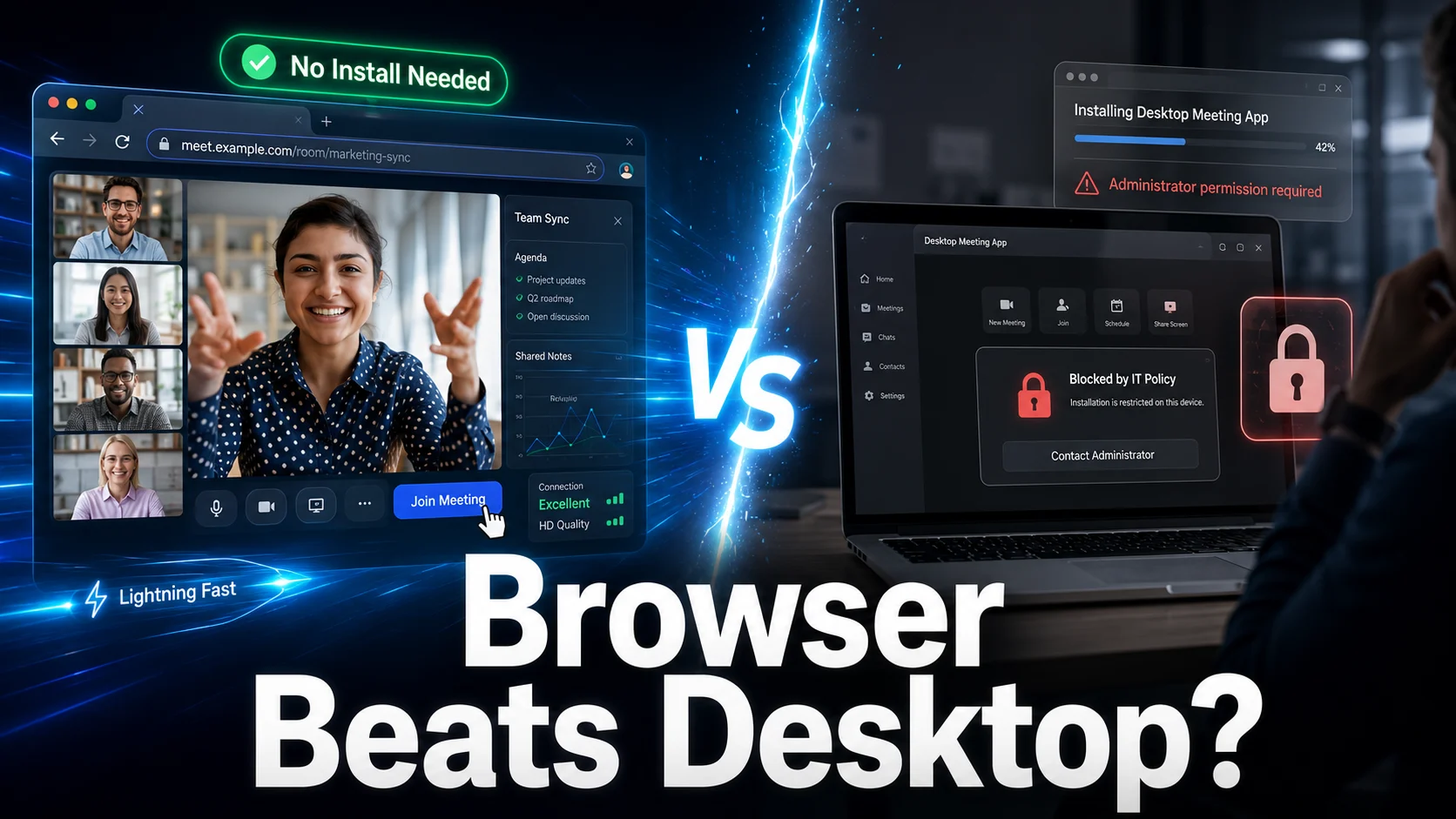
Enterprise meeting software relies heavily on downloads, local permissions, and strict IT approvals. Desktop apps create friction. Locked-down corporate laptops regularly slow down guest access and frustrate external vendors. Zero-install tools remove that barrier instantly, making this fight entirely about frictionless distribution rather than extra features.
| Calling Method | Step 1 | Step 2 | Step 3 | Final Outcome |
|---|---|---|---|---|
| Legacy App Path | Receive Link | Download .exe Client | Prompt for IT Admin Password | Join Call (High Delay) |
| Browser-Native (Meta) | Receive Link | Click Link in Browser | Instant Access | Join Call (Zero Delay) |
“What happens when a basic browser tab does the exact same job as a 200MB desktop client?”
The Trojan Horse Angle
Meta isn’t just updating consumer chat; it is using WhatsApp Web as a strategic entry point into business meetings. The real target isn’t family video calls. Meta is aiming for the convenience layer that keeps companies paying for Zoom.
According to news coverage on Gadgets Now, Meta’s browser-native update brings 32-person group calls, screen sharing, and noise suppression into the browser without native app downloads. By offering end-to-end encryption, screen sharing, and noise suppression inside a standard browser tab, Meta renders local desktop apps redundant.
Zoom, Meet, and Teams Risk
Industry research from DemandSage shows Zoom’s massive reach across Fortune 500 companies, but browser-native tools present a unique pressure point across the competitive landscape:
| Platform | Core Strength | Meta’s Pressure Point |
|---|---|---|
| Zoom | Enterprise familiarity | Installation friction on guest devices |
| Google Meet | Browser convenience | Deeper messaging integration across mobile |
| Microsoft Teams | Workplace default | Simpler, faster external calling |
| Meta | Consumer scale (2B+ users) | Zero-install adoption with no setup delay |
“The future of workplace collaboration won’t be won by adding more features. It will be won by removing every single click between receiving an invite and starting the video stream.” — Enterprise IT & WebRTC Industry Analyst
What Changes for Users and IT Teams
As browser-native WebRTC standards mature, the operational benefits for IT security and guest management become hard to ignore:
- Faster guest access: External vendors join in one click without downloading client packages.
- Zero IT friction: Employees bypass locked-down computer restrictions safely through standard browser environments.
- Lower switching costs: Teams pivot between personal chat and business calls seamlessly.
- Casual B2B adoption: Quick syncs move out of heavy desktop clients into active browser windows.
We’re introducing new features that make @WhatsApp calls even easier, like calling from WhatsApp Web, call transfer, background noise suppression, and more. https://t.co/4HKD5xjxZb
— Meta Newsroom (@MetaNewsroom) July 28, 2026
Risks and Enterprise Limits
Can browser-native calling really replace enterprise-grade desktop tools?
While Meta is closing the gap, enterprise IT teams still hesitate over admin compliance controls, deep security logging, and complex host management. Additionally, standalone desktop apps handle ultra-high-density video feeds and heavy multi-monitor setups better during massive corporate town halls.
The Bigger Strategic Gamble
Is Meta building a better meeting platform, or simply wielding a distribution weapon?
If the call experience becomes completely frictionless, the desktop meeting app may soon become an unnecessary relic of the past.