
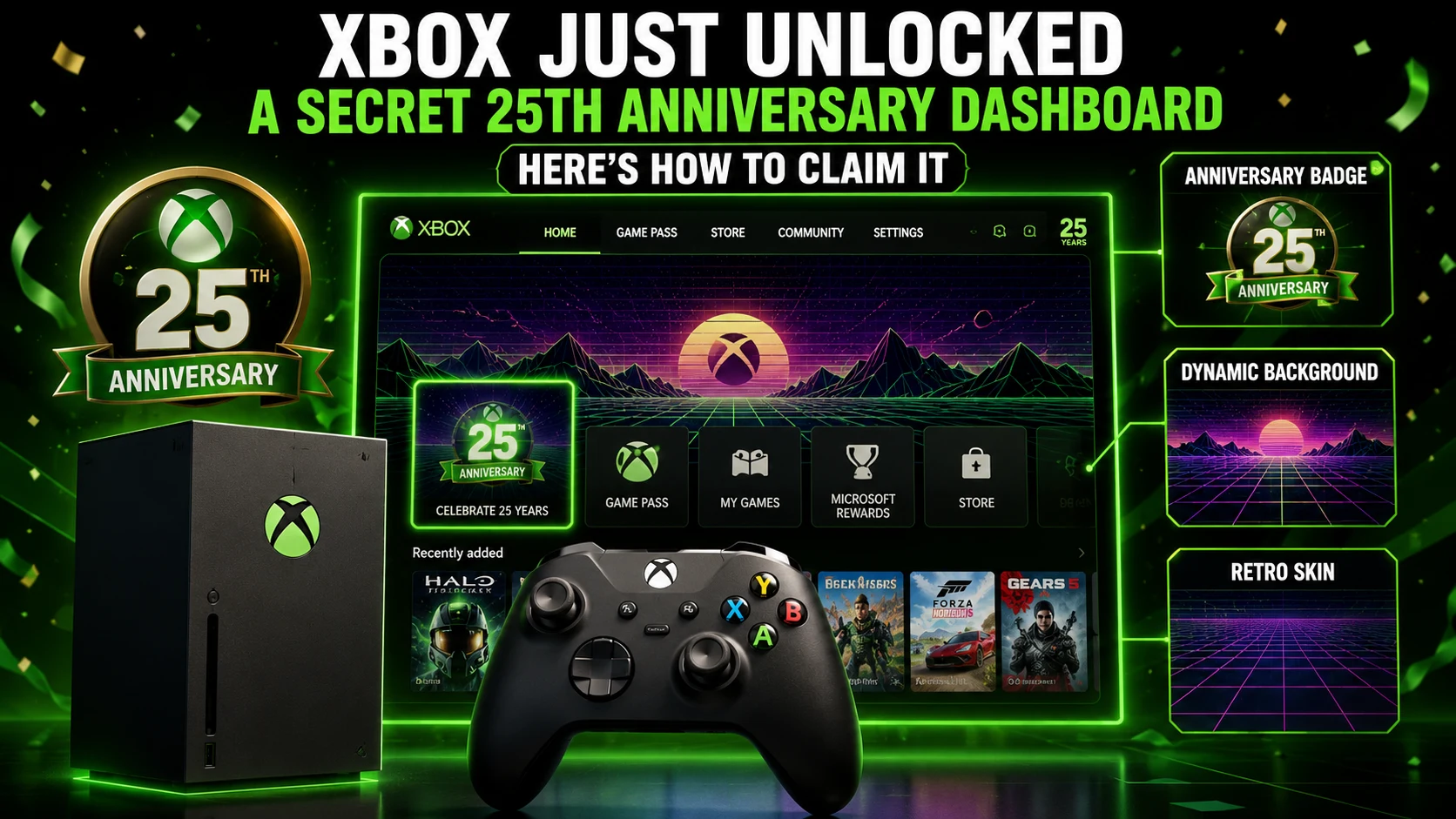
Xbox just shocked the gaming world by unleashing a hidden 25th Anniversary dashboard update across millions of consoles. Over 100 million active Xbox players can now access 3 exclusive rewards—including dynamic backgrounds, retro UI skins, and collectible profile badges—for 0 dollars.
Who actually gets instant access to these nostalgia-packed customization items? Millions of console owners are racing to claim them before the celebration event changes.
What Xbox Is Rolling Out
To celebrate a quarter-century of gaming history, Microsoft has quietly integrated limited-edition customization assets directly into the Xbox system update. Dynamic dashboard backgrounds, classic green boot animations, and vintage profile overlays are now live for eligible users.
- Retro Aesthetics: The return of iconic translucent OG Green visual pulses and wireframe graphics.
- Zero Cost: Available completely free without requiring an active Xbox Game Pass subscription.
- System-Wide Sync: Applies seamlessly across Xbox Series X, Series S, and supported home UI layouts.
How can you customize your home screen before the featured tab rotates?
What the 25th Anniversary Rewards Include
The anniversary package blends nostalgia with modern 4K console hardware.
| Reward | What It Unlocks | How to Get It |
|---|---|---|
| Profile Badge | Anniversary profile marker on user cards | Complete the 25th Anniversary prompt in settings |
| Dynamic Background | Moving OG Green wireframe & orb home screen | Redeem directly through Personalization menu |
| Retro UI Skin | Classic-inspired console dashboard accents | Enable via My Background customization options |
How to Unlock the Theme
- Press the Xbox Button on your controller and navigate to Settings.
- Under the General tab, select Personalization.
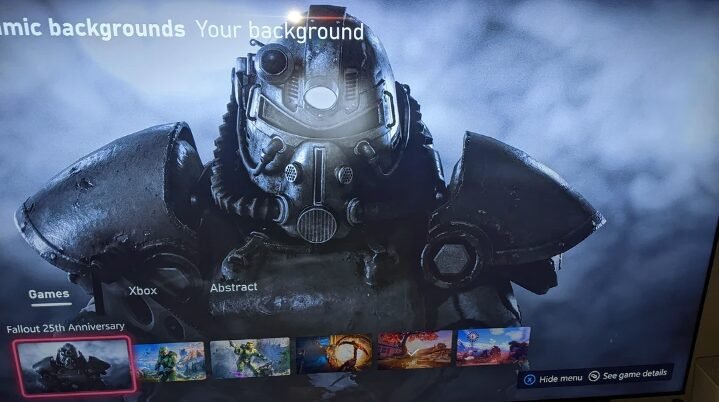
- Click on My Background and select Dynamic Backgrounds.
- Scroll to the Xbox or Featured section to find the 25th Anniversary / The Original theme.
- Highlight the background and press A to apply it instantly to your home screen.
Pro Tip: Ensure your console has applied the latest system update, as older firmware builds will not render dynamic background options.
What to Do If It Doesn’t Appear
Trouble finding the new themes on your dashboard? Try these quick troubleshooting fixes:
- Force System Update: Go to Settings > System > Updates to check for pending firmware patches.
- Hard Restart Console: Hold the power button for 10 seconds to clear system cache and refresh featured dashboard tiles.
- Verify Regional Availability: Ensure your region setting is set to a supported global Xbox network zone.
- Re-Link Account: Sign out and re-sign into your primary Xbox profile to sync digital entitlement badges.
Why Xbox Is Doing This Now
Why are retro customization drops so effective at boosting player engagement? Nostalgia remains one of the strongest drivers in modern gaming, bringing long-time console fans together around shared memories.
“Limited-edition dashboard rewards work because they turn routine console use into a collectible moment.” — Gaming Industry Analyst
Our 25th anniversary celebration continues!
— XBOX (@XBOX) August 3, 2026
🎨 Community-created XBOX designs
💚 The XBOX 25th Anniversary badge
🎮 @XBOXGamePass collections
📍 The FanFest tour date lineup
Learn more: https://t.co/at7Vh4csMo pic.twitter.com/2ZnFrlDUc8
Official Verification & Support
Official Portals & Coverage: • Xbox Official 25th Anniversary Hub • Xbox Official Support & Customization Guides • TechRadar Gaming News & Hardware Reviews • Windows Central Xbox Ecosystem Insights
If you want the 25th anniversary theme, check your dashboard now and redeem it before the offer changes.