
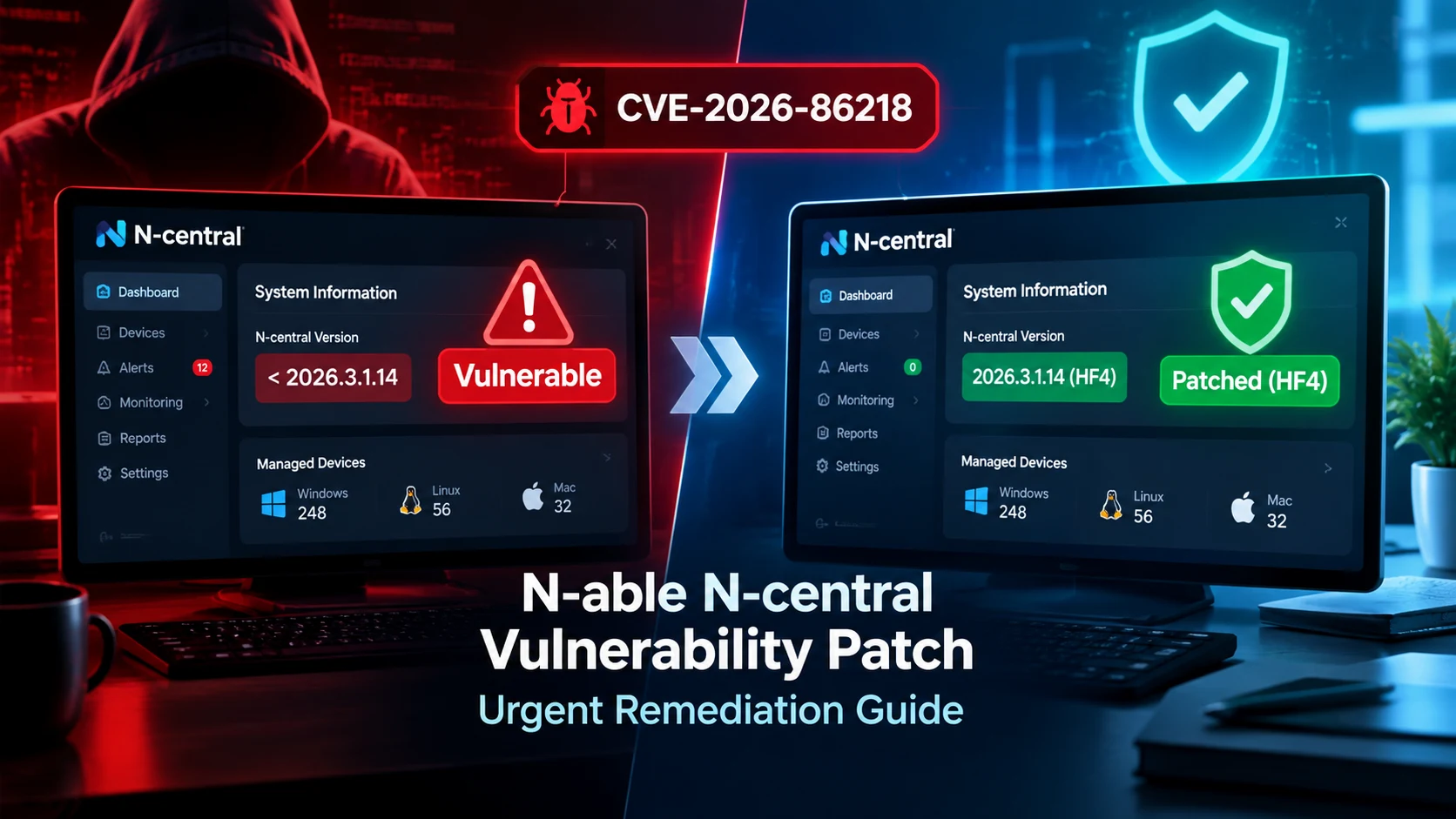
N-able has released N-central 2026.3 Hotfix 4 (build 2026.3.1.14) to address CVE-2026-86218, a critical vulnerability that can allow pre-authenticated remote code execution on an N-central server.
N-able says on-premises customers should upgrade immediately, while hosted N-central instances have already been patched.
Think of N-central as the master control room for an MSP. If that server is compromised, the potential impact can extend beyond the server itself to the devices it manages. That makes checking the server’s version and reducing unnecessary exposure especially important.
1. How to Check Whether Your N-able N-central Server Is Vulnerable
Determine Your Installed Version
Start by checking the N-central build installed in your environment.
Look under Settings > About N-central and record the build number.
| Status | N-central Build |
|---|---|
| Recommended fixed build | 2026.3.1.14 — Hotfix 4 |
| Previous hotfix | 2026.3.1.13 — Hotfix 3 |
| Older builds | Require remediation |
Hotfix 4 specifically addresses CVE-2026-86218 and supersedes Hotfix 3.
Identify Affected Deployments
The distinction between hosted and self-hosted N-central matters.
- On-premises/self-hosted: You need to perform the upgrade.
- Hosted N-central (NCOD): N-able says patches have already been applied, so no customer action is currently required.
Verify Whether You Fall Within the Vulnerable Range
If your on-premises installation has not reached 2026.3.1.14, treat it as requiring remediation.
Also, do not assume that installing Hotfix 3 is enough. HF4 supersedes HF3 and addresses the newly disclosed CVE-2026-86218.
2. How to Patch the N-able N-central Vulnerability
Follow the Vendor-Recommended Update Path
For on-premises deployments, N-able recommends upgrading to N-central 2026.3 Hotfix 4, build 2026.3.1.14 as soon as possible.
N-able lists these direct upgrade starting points:
- N-central 2025.4
- N-central 2026.1
- N-central 2026.2
- N-central 2026.3
- N-central 2026.3.1 Hotfix 1
- N-central 2026.3.1 Hotfix 2
- N-central 2026.3.1 Hotfix 3
If you are running an older release, first move to a supported version and then apply HF4.
Upgrade Considerations
The hotfix itself does not require N-central agents to be upgraded to protect against CVE-2026-86218. However, keeping agents updated remains a good security and maintenance practice.
Plan a Maintenance Window
Treat this as an urgent security change rather than an ordinary software update.
Before starting:
- Choose an appropriate maintenance window.
- Notify affected MSP and customer teams.
- Avoid scheduling critical remote-control work during the upgrade.
- Keep the N-able upgrade documentation available.
- Confirm that you have an appropriate recovery plan.
Verify After Updating
After the upgrade, return to Settings > About N-central and confirm that the server reports 2026.3.1.14.
Then make sure you can log in normally and that core N-central functionality is operating correctly.
3. What to Do If You Cannot Patch N-central Immediately
Patching is the preferred solution. But if an emergency change cannot happen immediately, reducing exposure becomes especially important.
Vendor-Provided Mitigations
N-able’s current advisory recommends immediate upgrading for on-premises deployments. The vulnerability is pre-authenticated, meaning normal authentication does not provide the protection you might expect.
Restrict Exposure
If patching is temporarily delayed:
- Remove unnecessary public exposure.
- Restrict administrative access to trusted networks.
- Use VPN access where appropriate.
- Limit inbound connections through firewall rules.
Use Network Segmentation
Think of network segmentation like putting the N-central server behind a locked internal door rather than leaving it on the street.
Place the server within a restricted management network and limit which systems can communicate with it.
Strengthen Access Controls
Review administrative accounts and permissions.
- Enable MFA for administrative accounts where supported.
- Remove unused administrator accounts.
- Review privileged roles.
- Follow least-privilege principles.
Remember that MFA should not be treated as a fix for a vulnerability that can be exploited before authentication.
4. How to Secure an Internet-Facing N-central Deployment
An internet-facing management server deserves particular attention because it represents a high-value administrative target.
Reduce Unnecessary Exposure
Where operationally possible, avoid directly exposing the N-central administrative interface to the public internet.
Instead, consider:
- VPN-only access
- IP allowlisting
- Restricted administrative networks
- Firewall-based access controls
Firewall Controls
Create explicit allow rules for trusted administrative networks or VPN addresses and deny unnecessary inbound traffic.
Also enable logging so security teams can investigate unexpected connection attempts.
VPN and Access Restrictions
For administrative access, require a controlled VPN connection where appropriate rather than leaving the management interface broadly reachable.
Administrative Access Hardening
Review privileged accounts and make sure:
- MFA is enabled where supported.
- Shared administrator accounts are avoided.
- Unused accounts are removed.
- Administrative privileges follow least-privilege principles.
5. N-central Patch Verification Checklist
After applying N-central Hotfix 4, use this quick checklist:
| Check | What to Verify |
|---|---|
| Version | Build shows 2026.3.1.14 |
| Services | Core N-central services start normally |
| Console | Administrative console is accessible |
| Connectivity | Managed devices report normally |
| Logs | No obvious suspicious activity |
| Device management | Jobs, scripts and remote-management functions work |
Do not stop at “the update completed successfully.” A successful patch is only half the job. You also need to confirm that the management environment still works.
6. What Security Teams Should Do After Patching
Patching closes the known vulnerability, but security teams should still determine whether suspicious activity occurred before remediation.
Review Historical Logs
Look through relevant N-central and appliance logs for unusual administrative activity, unexpected sessions or suspicious requests.
Pay particular attention to activity involving API requests, administrative sessions and unexpected changes.
Hunt for Suspicious Activity
Pay attention to:
- Unexpected administrator accounts
- Unusual privilege changes
- Strange account names
- Unexpected remote-control activity
- Suspicious persistence mechanisms
Security researchers have reported activity involving unauthorized accounts and Cloudflared tunnels in investigations surrounding N-central compromises.
Rotate Potentially Exposed Credentials
If you discover evidence of compromise, rotate credentials that could have been exposed, including relevant local, domain and service accounts.
Validate Privileged Accounts
Review every privileged N-central account and remove accounts that cannot be attributed to a legitimate administrator.
7. N-able N-central Vulnerability Response Checklist for MSPs
For MSPs managing multiple customers, remediation can quickly become a tracking problem.
Use this operational checklist:
- Inventory customersIdentify every N-central deployment and distinguish hosted from on-premises environments.
- Identify affected serversRecord each server’s current build and flag systems requiring remediation.
- Prioritize exposed systemsAddress internet-facing and otherwise highly exposed systems first.
- Track remediationRecord patch status, maintenance windows and change approvals in your ticketing or security-management system.
- Document completionCapture the original build, final build, verification results and any suspicious findings.
This turns the response from “we think everything is patched” into something much stronger: you can prove which customer systems were checked, what changed and when remediation was completed.
Final Takeaway
The most important step for an on-premises N-central administrator right now is straightforward: check your build and move to N-central 2026.3.1.14 (Hotfix 4) if required.
N-able says HF4 addresses CVE-2026-86218, while hosted N-central customers have already received the necessary server-side protection.
For MSPs, do not treat this as a single-server patch. Treat it as a customer-by-customer remediation exercise: inventory, identify, prioritize, patch, verify and document.