
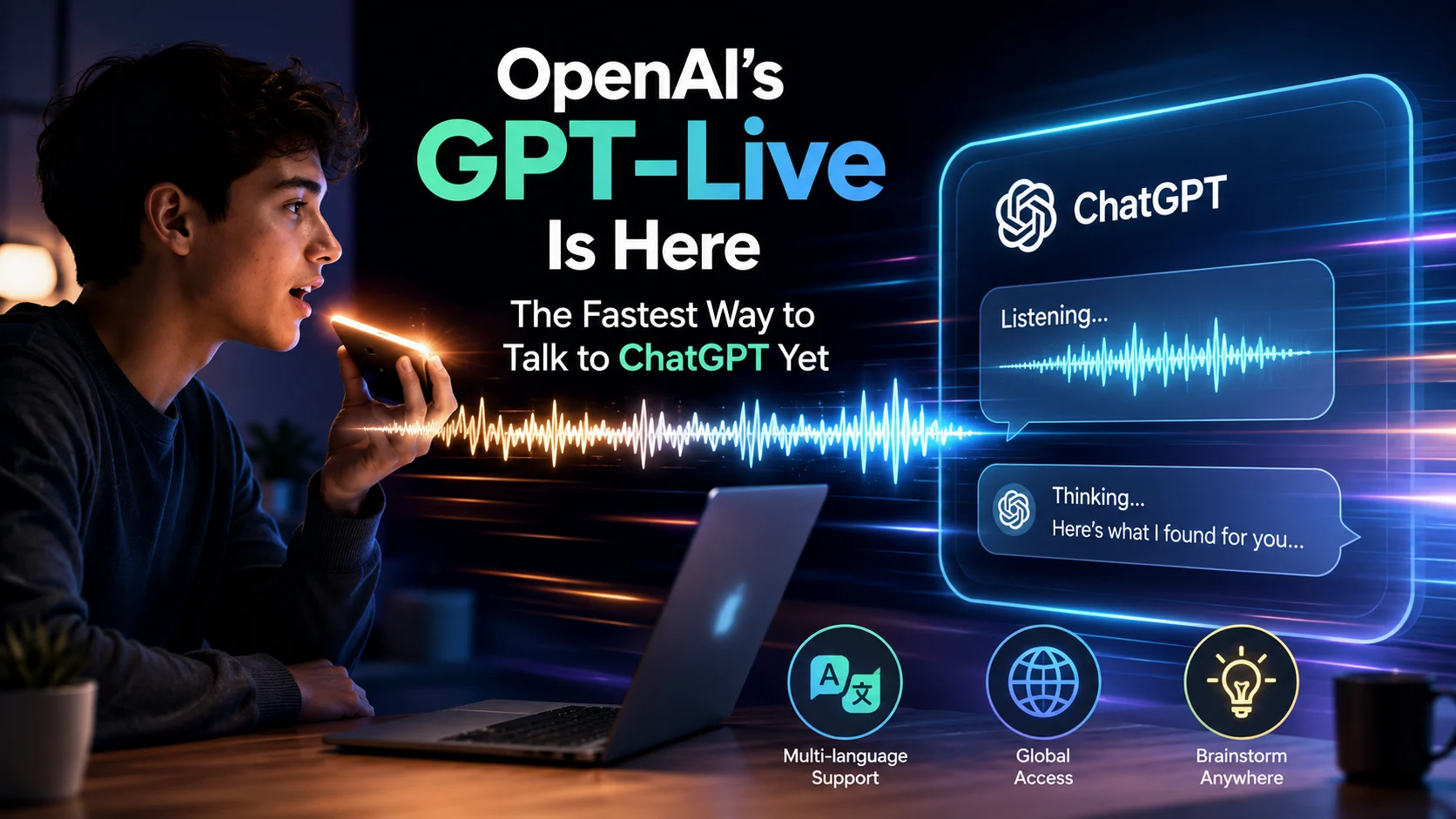
OpenAI’s latest full-duplex voice engine, GPT-Live, eliminates conversational lag across ChatGPT web and mobile apps—allowing real-time interruptions and continuous fluid dialogue.
OpenAI just stunned the tech world by deploying GPT-Live to over 200 million active ChatGPT users across 180 countries. The full-duplex voice engine slashes response latency down to sub-300 milliseconds, enabling 100% real-time interruptions without forcing users to wait for rigid turns.
Can instant voice interaction revolutionize daily workflows, or will minor accents and heavy server loads slow down adoption? Users testing the new voice mode are feeling the thrill of speaking to AI with natural, human-like cadence.
If voice tools already assist with language learning, translation, and brainstorming, what changes when latency completely vanishes? For everyday users, the benefits are obvious: zero awkward pauses, instant feedback, and fluid conversational flow.
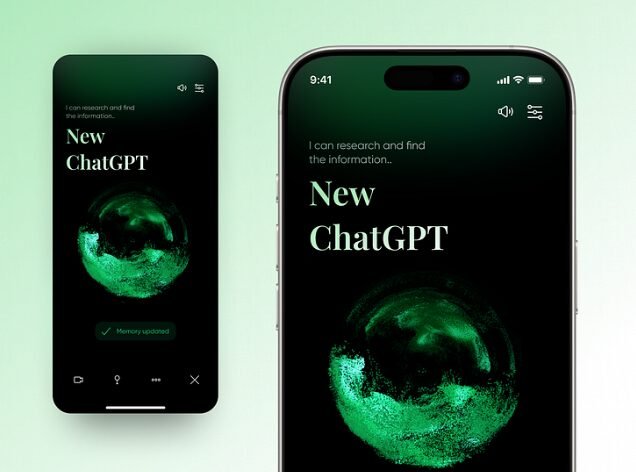
What GPT-Live Is and Why It Matters
Unlike traditional text-to-speech pipelines that transcribe audio in separate stages, GPT-Live operates as a full-duplex voice model. It continuously listens while speaking, evaluating whether to pause, answer, or invoke background tools several times per second.
| Feature | What It Means | Why It Matters |
|---|---|---|
| Sub-300ms Response | Minimal lag between user speech and AI answer | Feels like a real conversation |
| Natural Interruption | Speak over the AI to change topics or ask questions | Reduces frustrating wait times |
| GPT-5.5 Delegation | Offloads complex reasoning to deeper models | Delivers accurate search & calculations |
| Multi-Tier Rollout | Available on Free (mini), Plus, and Pro plans | Provides accessible voice AI worldwide |
Is this the start of a true voice-first assistant, or just a faster version of existing tools?
How to Try GPT-Live in 5 Simple Steps
Getting started with GPT-Live takes less than 60 seconds on supported web or mobile devices:
- Launch ChatGPT: Open the mobile app on iOS/Android or navigate to ChatGPT.com.
- Access Voice Settings: Tap your profile icon, go to Settings → Voice, and select Live.
- Select Your Voice: Choose from 9 predefined system voices tuned for natural tone and balance.
- Start a Session: Tap the voice waveform icon on the message bar to initialize the live call.
- Test Interruptions: Speak naturally, ask a question mid-sentence, or request a quick translation.
Quick Tip: Start with an active hands-busy task—like practicing conversational Spanish while cooking or brainstorming project ideas out loud.
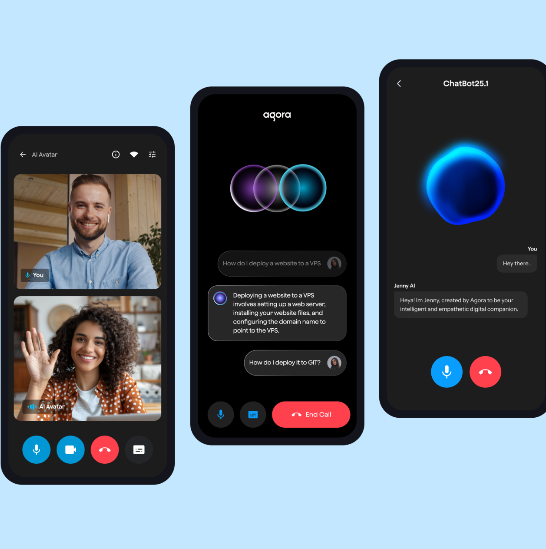
Key Voice Features That Stand Out
GPT-Live introduces several technical enhancements designed to streamline daily interactions:
- Full-duplex listening: You can cut in at any second without breaking the session memory.
- Low friction for multitaskers: Ideal for driving, walking, or hands-free note-taking.
- Background tool invocation: Performs web searches and memory lookups mid-call.
- Natural tonal dynamics: Adapts voice inflection and pitch based on context.
Real-World Scenarios for Daily Use
Where does ultra-fast voice interaction deliver the highest value? Here is how users are leveraging GPT-Live across different tasks:
| Scenario | Example Use | Impact on Workflow |
|---|---|---|
| Language Learning | Practice real-time pronunciation & grammar corrections | Acts as a 24/7 personal tutor |
| Live Translation | Translate dialogue dynamically during international calls | Breaks down cross-border language barriers |
| Brainstorming | Talk through messy business concepts out loud | Accelerates creative ideation |
| Daily Planning | Dictate daily schedules and build multi-step to-do lists | Saves 15+ minutes of manual typing |
| Accessibility | Complete complex web queries completely hands-free | Empowers visually impaired users |
What Users Should Watch Out For
While the speed upgrade is undeniable, early testing highlights key areas to monitor:
- Non-English Accents: Pronunciation accuracy in secondary languages still shows occasional variance.
- Usage Limits: Paid plans receive up to 12–24 hours of high-intelligence voice time per day, while free tiers face rolling caps.
- Missing Video/Screen Sharing: Initial GPT-Live releases prioritize audio-only interactions.
“Real-time voice changes the product from a traditional chatbot into an active conversational partner that integrates seamlessly into physical environments.” — AI Research Analyst
GPT-Live can listen while it speaks.
— OpenAI (@OpenAI) August 3, 2026
To make that feel natural at ChatGPT scale, we rebuilt the voice stack from client to model.
This new architecture keeps audio flowing continuously, so deeper reasoning and tool use don’t interrupt the conversation. pic.twitter.com/53VTTsqXg0
Official Resources & Coverage
Official Documentation & Portals: • OpenAI ChatGPT Voice Help Center • GPT-Live System Card & Safety Hub • OpenAI Realtime API Specifications
What’s Next for Voice AI?
As full-duplex models become standard across smartphones and web browsers, voice is rapidly replacing traditional keyboards for daily digital tasks.
Will you be switching to hands-free voice mode for your daily ChatGPT workflows?